
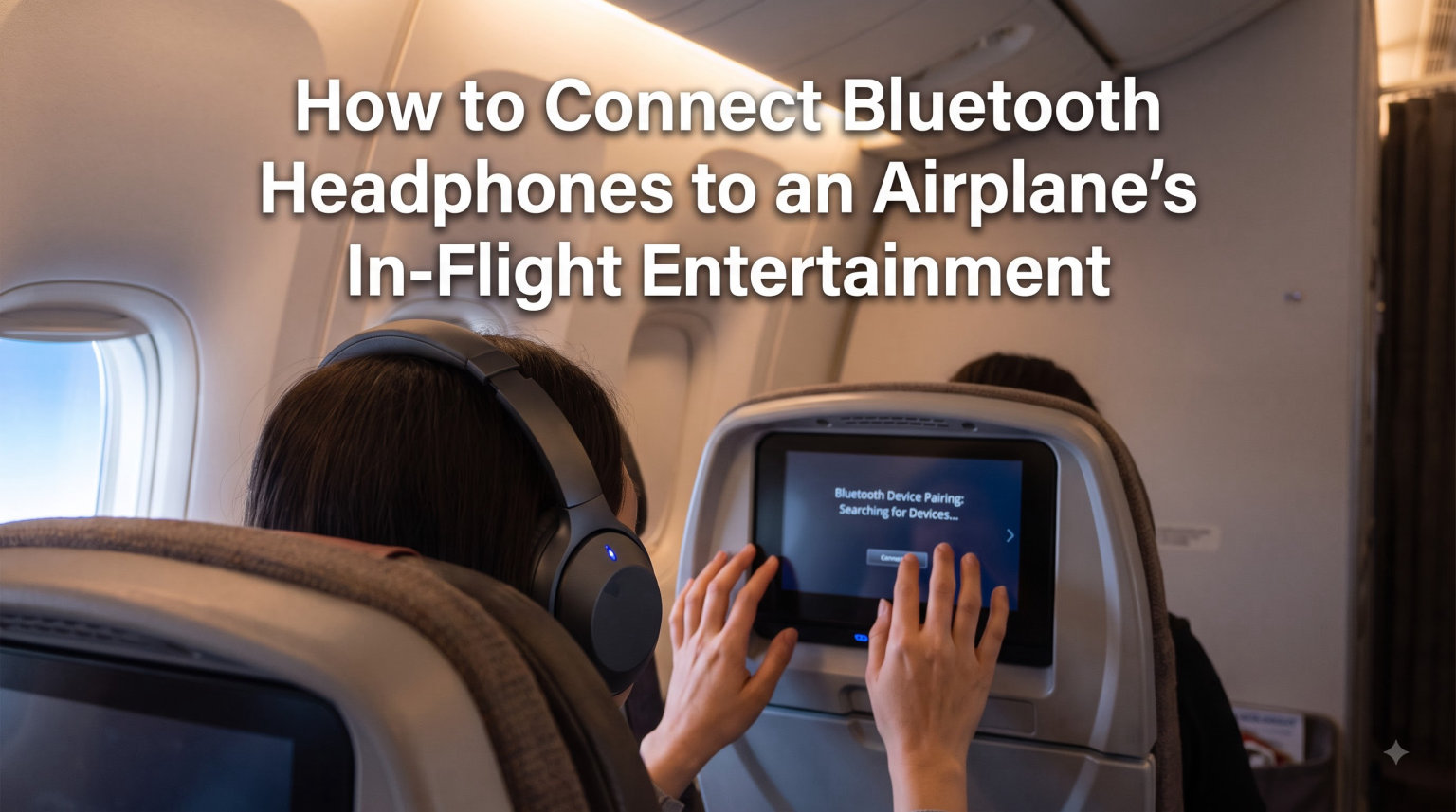
Yes, you can connect Bluetooth headphones to airplane in flight entertainment — you just need a small device called a Bluetooth audio transmitter. This tiny adapter plugs into the seatback headphone jack and beams the audio wirelessly to your AirPods, Sony earbuds, or any Bluetooth headphones you already own.
I have flown over 200,000 miles testing different wireless audio setups on planes. After trying every method available in 2026, I can tell you that the transmitter approach works on virtually every commercial flight. Airlines from United to Emirates use the same analog headphone jack technology, which means one solution covers almost every plane.
The alternative is suffering through terrible airline earbuds that crackle, fall out, and deliver flat sound for an entire long-haul flight. Nobody wants that. This guide walks you through exactly what you need, how to set it up in under two minutes, and how to troubleshoot when things go wrong mid-flight.
Table of Contents
Why Bluetooth Headphones Don’t Work Directly on Planes
Most airplane seatback entertainment systems were built years before Bluetooth audio became common. They output sound through a traditional 3.5mm analog headphone jack — the same round port you used to plug wired headphones into. These systems simply have no Bluetooth chip inside to send a wireless signal to your headphones.
Your AirPods and Sony headphones receive digital Bluetooth signals, not analog audio. There is a fundamental mismatch between what the plane sends out and what your headphones can receive. No amount of fiddling with Bluetooth settings on your phone will fix this, because the seatback screen is not a Bluetooth device.
Some newer aircraft are changing this. A growing number of planes delivered in recent years include built-in Bluetooth support on their entertainment screens. However, the vast majority of commercial planes still rely on the old wired jack system. Travelers on Reddit report that even on the same airline, one plane might have Bluetooth while the next does not. You cannot count on it.
This is why a portable Bluetooth audio transmitter remains the most reliable solution. It bridges the gap between the plane’s analog system and your wireless headphones on every single flight.
What You Need: A Bluetooth Audio Transmitter
A Bluetooth audio transmitter is a small device — roughly the size of a USB flash drive — that converts analog audio from a headphone jack into a wireless Bluetooth signal. You plug one end into the plane’s entertainment jack and your headphones connect to it over Bluetooth.
The critical feature to look for is Tx mode, which stands for transmit mode. This is what allows the device to send audio outward to your headphones. Many transmitters are dual-mode, meaning they can also receive Bluetooth (Rx mode) to stream music from your phone to a car stereo or older speaker. For airplane use, you only need the transmit function.
Here are the features our team recommends prioritizing when choosing a transmitter:
Low latency support: Look for aptX Low Latency or similar technology. Without it, you will experience a noticeable audio delay where lip movements do not match the sound — a common complaint on travel forums.
Battery life: You want at least 10 hours of playback for long-haul international flights. Some models offer 16 hours or more. Many transmitters also charge while in use, so you can plug them into a USB port and fly indefinitely.
Dual headphone pairing: If you travel with a partner, some transmitters can pair two sets of headphones simultaneously. Both of you can watch the same movie wirelessly.
A dual-prong adapter: Some planes use a two-hole jack instead of a single hole. Your transmitter should include an adapter or come with a dual-prong connector built in.
The most frequently recommended brand on travel forums is the Twelve South AirFly series, but several alternatives from brands like 1Mii and Eppfun offer the same functionality. Reddit users in the r/travel and r/headphones communities consistently advise bringing a backup pair of wired headphones in case the transmitter fails.
How to Connect Bluetooth Headphones to Airplane In-Flight Entertainment: Step-by-Step
Learning how to connect Bluetooth headphones to airplane in flight entertainment takes less time than reading this section. The entire setup involves four simple steps and works the same way regardless of which airline or aircraft you are on.
Step 1: Locate the headphone jack on your seat. Look at the armrest or the bottom edge of the seatback screen. You will find either a single round port (single-prong) or two round ports side by side (dual-prong). Most modern planes use a single-prong jack, which matches standard headphone plugs directly.
Step 2: Plug in your Bluetooth transmitter. Connect the transmitter to the headphone jack. If the plane has a dual-prong setup, attach the dual-prong adapter first, then plug the transmitter into that. You should see an LED light turn on, indicating the transmitter is powered and ready.
Step 3: Switch the transmitter to Tx mode and pair your headphones. If your transmitter has a Tx/Rx switch, make sure it is set to Tx (transmit). Then press and hold the pairing button until the LED flashes rapidly. On your Bluetooth headphones, enter pairing mode — for AirPods, this means opening the case and holding the button on the back. The two devices will find each other and connect automatically.
Step 4: Start your movie and confirm audio is playing. Press play on any content from the seatback screen. Sound should now come through your wireless headphones instead of the plane’s speakers. If you hear nothing, check that the seatback volume is turned up — many systems default to zero and require you to raise it using the touchscreen controls.
That is the entire process. Once paired, the connection stays stable for the duration of your flight. Most transmitters remember paired devices, so on your next flight you may only need to plug in and press play.
Single-Prong vs Dual-Prong Jacks: What’s the Difference
Airplane headphone jacks come in two styles, and knowing which one your plane uses prevents frustration before you even board. The single-prong jack has one round hole and looks identical to the headphone port on your phone or laptop. This is the modern standard and is found on most newer aircraft.
The dual-prong jack has two holes side by side. Older planes — particularly those that have not been retrofitted with updated entertainment systems — still use this format. The dual-prong design was originally meant to prevent passengers from using their own headphones and to accommodate airline-issued earbuds with two prongs.
If your transmitter only has a single-prong plug and your plane has dual-prong jacks, you need a dual-prong adapter. This is a small piece that has two prongs on one end and a single hole on the other. Many Bluetooth transmitters include one in the box, but you can also buy them separately for a few dollars. Frequent travelers recommend keeping a dual-prong adapter in your carry-on at all times, since you will not know which jack type your plane has until you sit down.
Some travelers report that plugging a single-prong transmitter into just one hole of a dual-prong jack sometimes works anyway, producing sound in one ear or at reduced volume. Do not rely on this workaround — it is unreliable and the audio quality is poor. Use the proper adapter for consistent stereo sound.
Airline-Specific Bluetooth Compatibility Guide
One of the biggest questions travelers have is whether their specific airline supports Bluetooth headphones. The answer depends on the aircraft, not just the airline, but here is what we know about the major US and international carriers as of 2026.
United Airlines: United does not yet offer built-in Bluetooth on most of its fleet. The seatback screens on United planes use traditional headphone jacks, so you will need a Bluetooth transmitter. However, United has been upgrading its aircraft with newer entertainment systems, and some recently delivered planes reportedly include Bluetooth support. Check your aircraft type when booking — newer Boeing 787s and refurbished planes are your best bet for native Bluetooth.
American Airlines: Similar to United, American Airlines seatback screens generally require a wired connection or a transmitter. American operates a large and varied fleet, so the experience differs widely between flights. Some of American’s newer planes and premium cabins feature Bluetooth-capable entertainment systems, but the majority still rely on analog jacks.
Delta Air Lines: Delta has been more aggressive about adding Bluetooth support to its in-flight entertainment. Newer aircraft in Delta’s fleet offer Bluetooth audio directly through the seatback screen, allowing you to pair AirPods without any adapter. However, not every Delta plane has this capability yet. The Delta app sometimes indicates whether your specific aircraft supports Bluetooth, which is worth checking before you fly.
Other carriers: International airlines like Emirates, Qatar Airways, and Singapore Airlines are rolling out Bluetooth on select aircraft. JetBlue’s newer screens support Bluetooth audio. Southwest and budget carriers typically use older systems that require a transmitter. Regardless of airline, packing a Bluetooth transmitter guarantees you can use your wireless headphones on any plane.
The bottom line: assume you will need a transmitter, and treat native Bluetooth as a bonus when you find it. This approach eliminates disappointment and keeps you prepared for every flight.
Troubleshooting Common Connection Problems
Even with the right equipment, things can go wrong. These are the most common issues travelers report and how to fix them quickly, even from your seat at 35,000 feet.
Problem: Audio lag or delay between picture and sound. This is the most frequent complaint on travel forums. The solution is using a transmitter with aptX Low Latency support. If your current transmitter does not have this, the delay will be noticeable during dialogue-heavy scenes. Unfortunately, there is no in-flight fix for this — you need to upgrade your transmitter before your next trip.
Problem: No sound after pairing successfully. First, check that the seatback screen volume is turned up. Many entertainment systems mute audio by default and require you to raise the volume through the on-screen menu. Next, verify your headphones are connected to the transmitter and not accidentally paired to your phone instead. Disconnect from your phone’s Bluetooth settings if needed, then re-pair with the transmitter.
Problem: Transmitter will not turn on or dies mid-flight. Check whether the transmitter has a power button you forgot to press. If the battery is dead, some planes have USB ports at the seat that you can use to charge the transmitter while it operates. Always charge your transmitter fully before a long flight, and consider one with pass-through charging so it never runs out of power.
Problem: Connection keeps dropping or stuttering. Wireless interference from other passengers’ devices can cause this. Try moving the transmitter closer to your headphones — clip it to your collar or seat pocket rather than leaving it dangling from the armrest. If stuttering persists, unpair and re-pair the devices. Keeping a wired backup pair of earbuds in your bag is the ultimate insurance policy.
Problem: Your phone interferes with the pairing. Phones automatically try to reconnect to your headphones when Bluetooth is on. Before pairing headphones with the transmitter, temporarily disable Bluetooth on your phone or forget the headphone pairing on your phone. This prevents the two devices from fighting over your headphones.
FAQs
Can you connect Bluetooth headphones to in-flight entertainment?
Yes, you can connect Bluetooth headphones to most in-flight entertainment systems using a Bluetooth audio transmitter. This small device plugs into the plane’s headphone jack and wirelessly sends audio to your headphones. It works on virtually every commercial flight, regardless of airline or aircraft type.
Can you use Bluetooth headphones with in-flight entertainment United?
United Airlines seatback screens generally do not have built-in Bluetooth, so you will need a Bluetooth audio transmitter to use wireless headphones. Some of United’s newest aircraft may offer native Bluetooth support, but most of the fleet still uses traditional headphone jacks. Packing a transmitter ensures compatibility on every United flight.
Can I connect my Bluetooth headphones to the TV on a plane?
Yes. Plug a Bluetooth transmitter into the headphone jack on the seatback screen, switch it to transmit mode, and pair your headphones. The entire process takes under two minutes. If the plane uses a dual-prong jack, attach a dual-prong adapter before plugging in the transmitter.
Can you use Bluetooth headphones with in-flight entertainment American Airlines?
Most American Airlines planes require a Bluetooth transmitter since their entertainment systems use analog headphone jacks. Some newer and premium-cabin aircraft may support Bluetooth directly, but the majority of the fleet does not. A transmitter works universally across all American Airlines flights.
Wrapping Up: Wireless Audio on Every Flight
Connecting Bluetooth headphones to airplane in flight entertainment is straightforward once you have the right tool. Buy a Bluetooth audio transmitter, plug it into the seatback jack, pair your headphones, and enjoy your movie in full wireless quality. The four-step setup works on every commercial airline from United to Emirates.
Remember to charge your transmitter fully before long flights, bring a dual-prong adapter just in case, and pack a backup pair of wired earbuds. With these items in your carry-on, you will never be stuck with airline earbuds again. Safe travels, and enjoy the better sound.