
Half of the search results for this term are forum threads, and almost all of them ask the same thing before naming a single model: is owning a 3D printer actually worth it? That is a fair question, because the printer is only half the purchase. The other half is filament, nozzles, a dry box, a spare build plate and the weekends you will spend learning to fix a first layer.
Our short answer is yes, for anyone who will print more than a handful of things. A 3D printer turns a folder of model files into a supply of parts that simply do not exist in stores, and for repair parts, adapters, enclosures and cosplay props it is unbeatable. If you will print twice a year and never modify anything, a print service will serve you better and cost less.
This roundup covers the best 3D printers we could justify in 2026, split across twelve slots that match how people actually buy: a default pick, a budget first machine, enclosed and multi-color options, high-speed and large-format machines, a heated-chamber printer for engineering filaments, three resin printers at different levels, and a small starter unit for kids. Every rating, review count and specification below comes from the product data, and the Amazon links go to the current listing so you can check today’s configuration.
If you want the one-line version: the best 3D printers for most people are the Bambu Lab A1 for ease of use, the Creality Ender 3 V3 SE for value, and the Anycubic Photon Mono 4 if your interest is detailed resin work. Keep reading for the details behind those three, and for the eight other machines that win specific categories. If you also print two-dimensional documents, our guides to the best laser printers and the best all-in-one printers cover that side of the house.
Table of Contents
Top 3 Picks for the Best 3D Printers in 2026
These three cover the three genuinely different buying decisions. One is the machine we would put in front of a first-time owner, one is the most sensible entry filament machine, and one is the resin route for anyone chasing fine detail.

Bambu Lab A1
- Full-auto bed leveling and Z-offset
- Active flow rate compensation
- 1-clip quick swap nozzle

Anycubic Photon Mono 4
- 7 inch 10K mono LCD
- 17 x 17 micron XY detail
- One-time 4-point leveling

Creality Ender 3 V3 SE
- 250mm/s print speed
- CR Touch 16-point auto-leveling
- Sprite direct drive extruder
Quick Overview: All 12 Best Printers in 2026
The table below lists every machine in this roundup with the specifications that actually separate them, so you can narrow the field before reading the individual reviews.
| Product | Specifications | Action |
|---|---|---|
| Bambu Lab A1 |
|
Check Latest Price |
| Anycubic Photon Mono 4 |
|
Check Latest Price |
| Creality Ender 3 V3 SE |
|
Check Latest Price |
 Bambu Lab P1S Combo Bambu Lab P1S Combo |
|
Check Latest Price |
 Anycubic Kobra X Anycubic Kobra X |
|
Check Latest Price |
 Flashforge Adventurer 5M Flashforge Adventurer 5M |
|
Check Latest Price |
 QIDI PLUS4 QIDI PLUS4 |
|
Check Latest Price |
 Creality K2 Plus Combo Creality K2 Plus Combo |
|
Check Latest Price |
 Anycubic Photon Mono M7 PRO Anycubic Photon Mono M7 PRO |
|
Check Latest Price |
 Elegoo Saturn 4 Ultra 16K Elegoo Saturn 4 Ultra 16K |
|
Check Latest Price |
 Elegoo Mars 5 Ultra Elegoo Mars 5 Ultra |
|
Check Latest Price |
 TINA2S TINA2S |
|
Check Latest Price |
1. Bambu Lab A1 – The Easiest Printer to Own
Bambu Lab A1 3D Printer, Ready-to-Use FDM 3D Printer for Beginners and Kids
Full-auto bed leveling and Z-offset
Active flow rate compensation
1-clip quick swap nozzle
AMS lite multi-color ready
Pros
- Highest rating in our test group at 4.7
- Calibrates itself completely on first power-on
- Quiet with active motor noise cancellation
- Nozzle swaps without tools
- Prints PLA and PETG cleanly out of the box
Cons
- AMS lite multi-color unit sold separately
- Bed-slinger design rather than CoreXY
- No enclosure so material choices are limited
- Touchscreen response is not instant
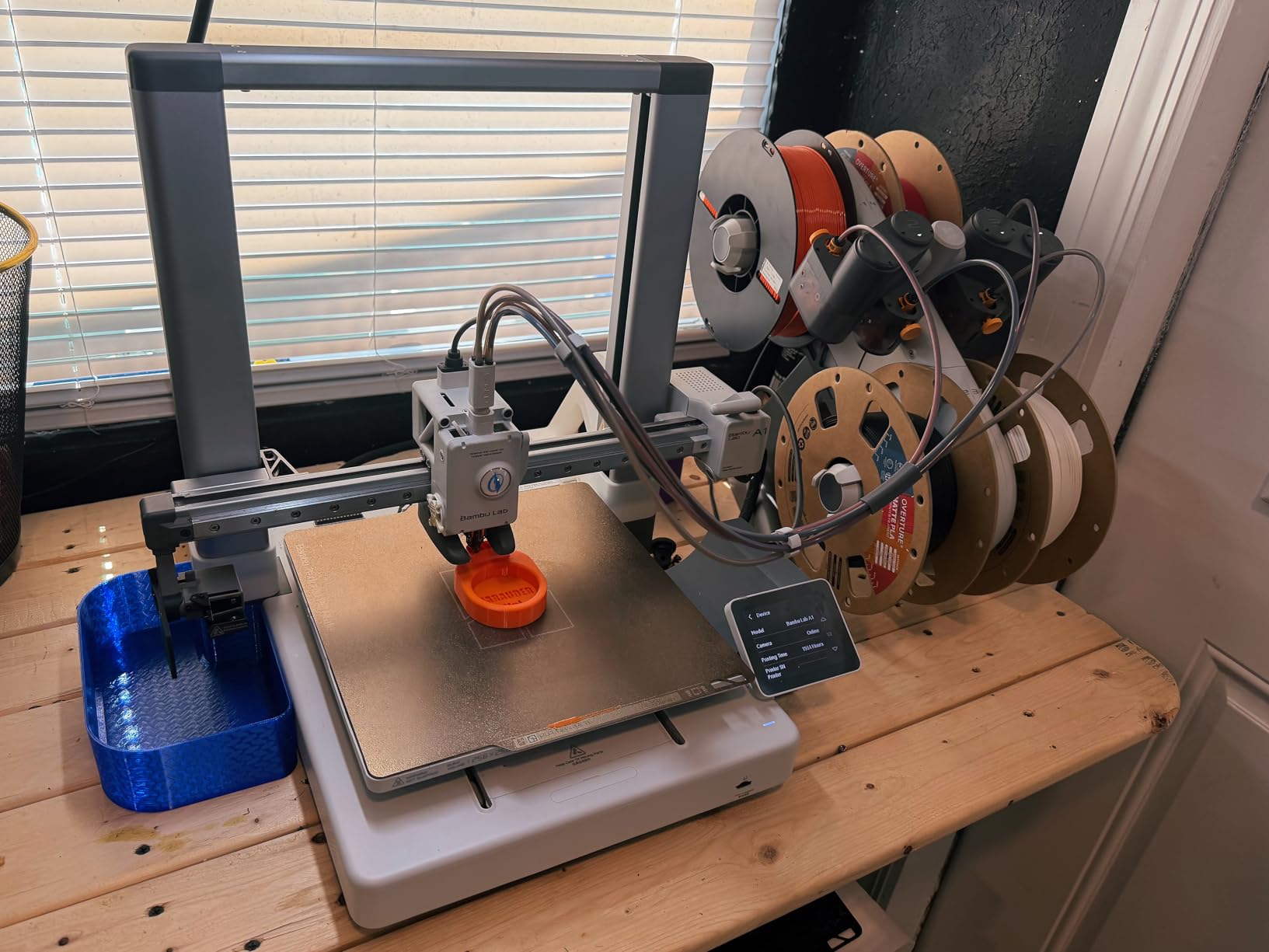
The A1 is the machine we keep coming back to because it removes the three things that make first-time buyers quit: bed leveling, Z-offset and flow calibration. All three happen on its own after you plug it in, which means the first print is usually a usable print rather than a test coupon followed by an afternoon of adjustment.
Owners consistently describe it as quiet for its class, and the spec sheet backs that up with active motor noise cancellation. The 1-clip nozzle swap is a small detail that turns out to matter: swapping a clogged nozzle takes seconds instead of a teardown, and a teenager can do it without supervision.
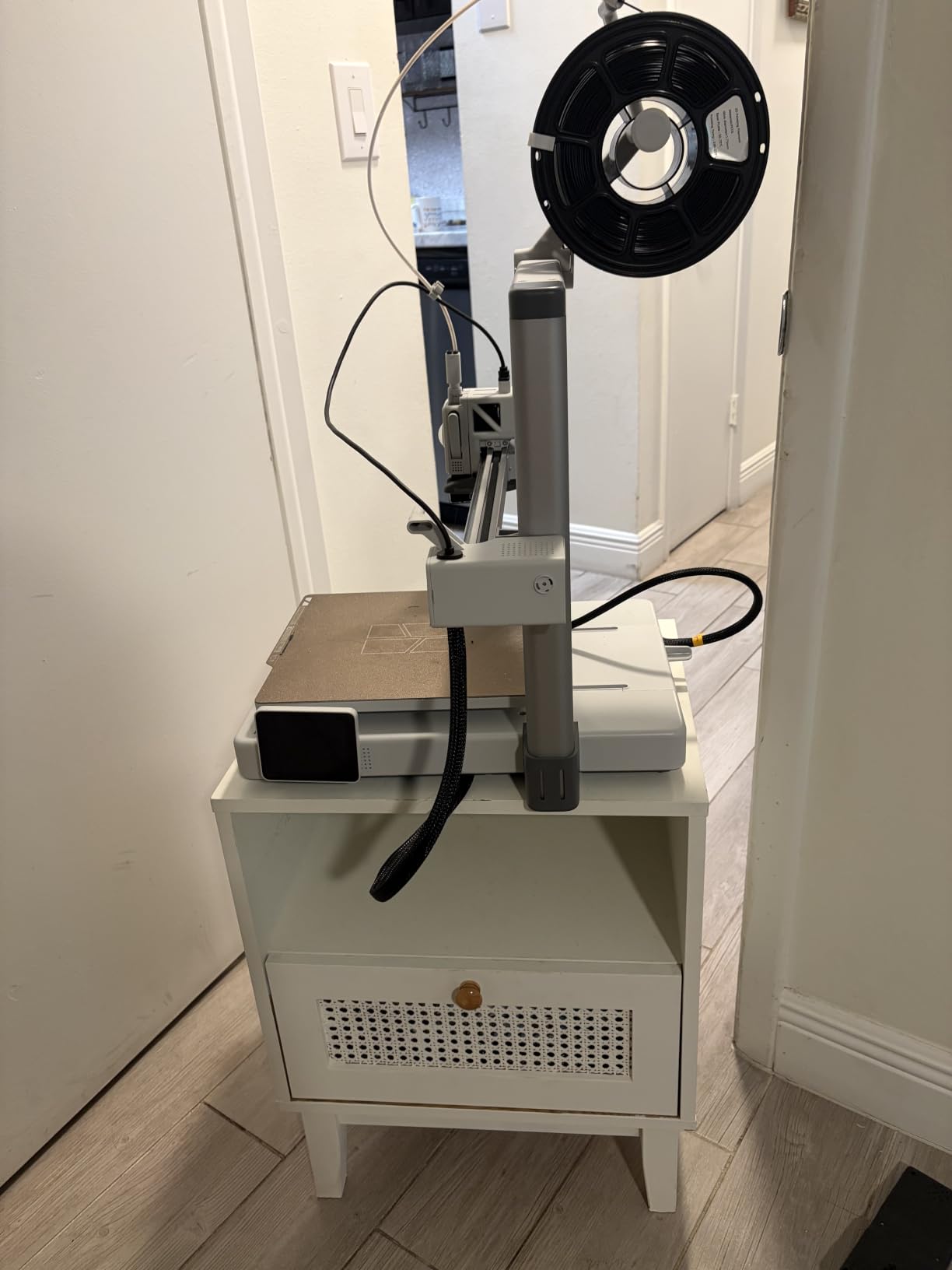
Print quality out of the box is the strongest argument. Active flow rate compensation lets the printer measure and correct extrusion on the fly, which is the difference between a clean surface and visible ridges on curves. At 10,000 mm/s2 acceleration it also handles short prints without the ringing you get on slower machines.
The catch is the ecosystem. Multi-color printing needs the AMS lite, which is a separate purchase, and the machine itself is an open bed-slinger with no enclosure. That limits it to PLA, PETG and TPU in practice rather than on paper.
Who the Bambu Lab A1 Fits
It fits beginners with zero prior experience, families with kids who will print unsupervised, and anyone who wants results on the first attempt rather than a hobby of calibration. It also suits a first machine that will grow, since the AMS lite adds multi-color later.
It is a good second machine too, for a household where someone else already owns the tinkering printer and this one just needs to work.
Where the A1 Falls Short
It falls short for anyone printing ABS, ASA or nylon in volume, because there is no chamber to keep heat in. It is also not the machine for large objects, since the build volume is smaller than the enclosed models in this list.
If your endgame is multi-color decorative printing from day one, the P1S Combo in slot four handles that natively.
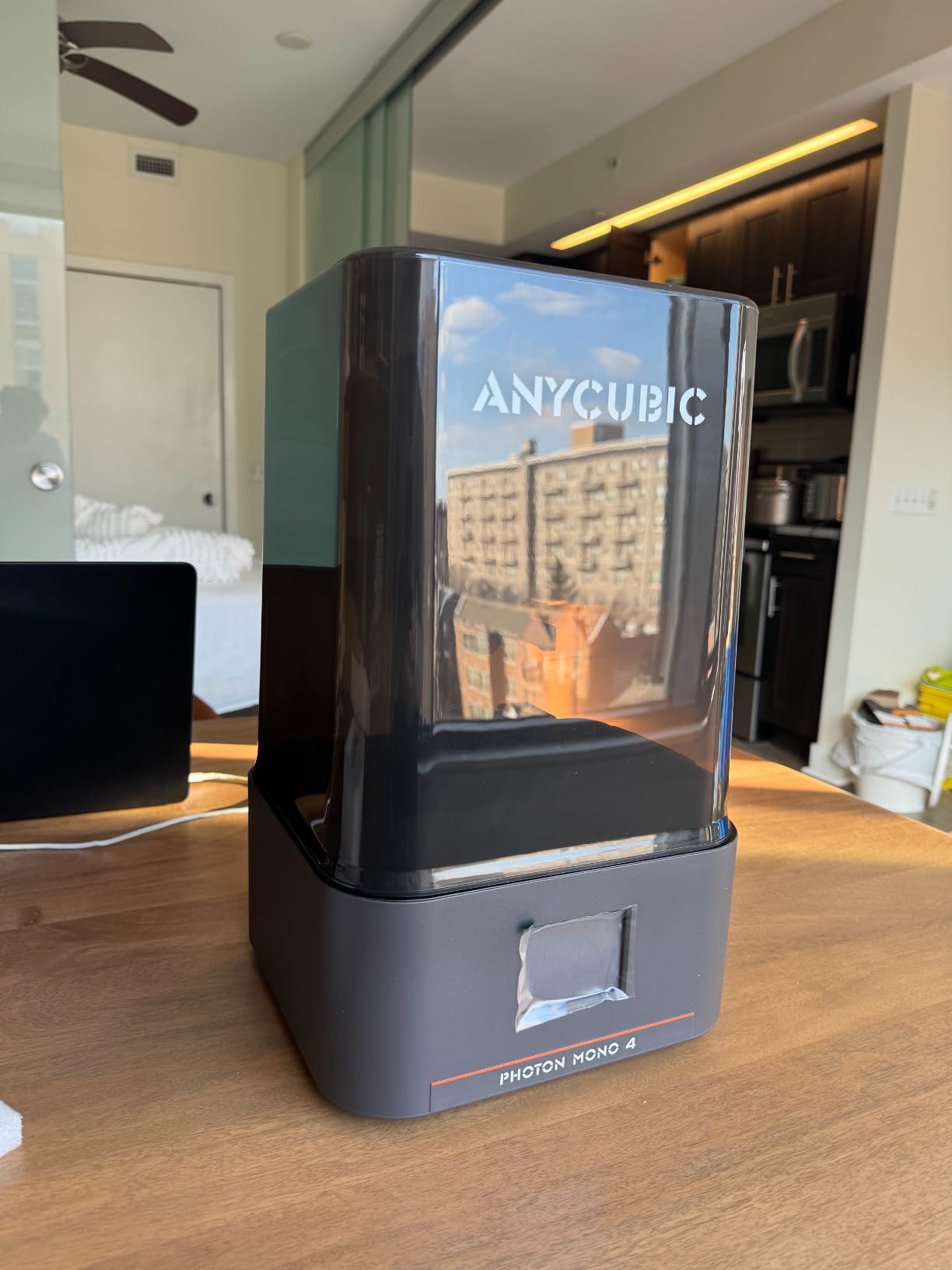
2. Anycubic Photon Mono 4 – The Best Value Resin Printer for Detail
ANYCUBIC Photon Mono 4, Resin 3D Printer with 7” 10K Mono LCD Screen
7 inch 10K monochrome LCD
17 x 17 micron XY resolution
153.4 x 87 x 165 mm build
One-time 4-point leveling
Pros
- 10K resolution at an entry-level price point
- Leveling is done once and stays done
- Light and quiet for a resin machine
- Laser-engraved platform improves adhesion
Cons
- Mostly plastic construction
- Small low-quality touchscreen
- Proprietary FEP vat assembly
- No mobile app support
Resin printers exist for one reason: detail. The Mono 4 drives a 7 inch 10K monochrome LCD at 9024 x 5120 pixels, which works out to 17 x 17 microns in the XY plane. That is roughly an order of magnitude finer than a good FDM print, and it is the difference between a miniature that reads clearly and one that turns to mush at the base.
Unlike most resin machines, the leveling is a one-time job. Four-point leveling takes a couple of minutes and then the build platform stays where you positioned it, so you are not re-leveling between every session. Power loss recovery means a mid-print outage does not cost you the whole model.
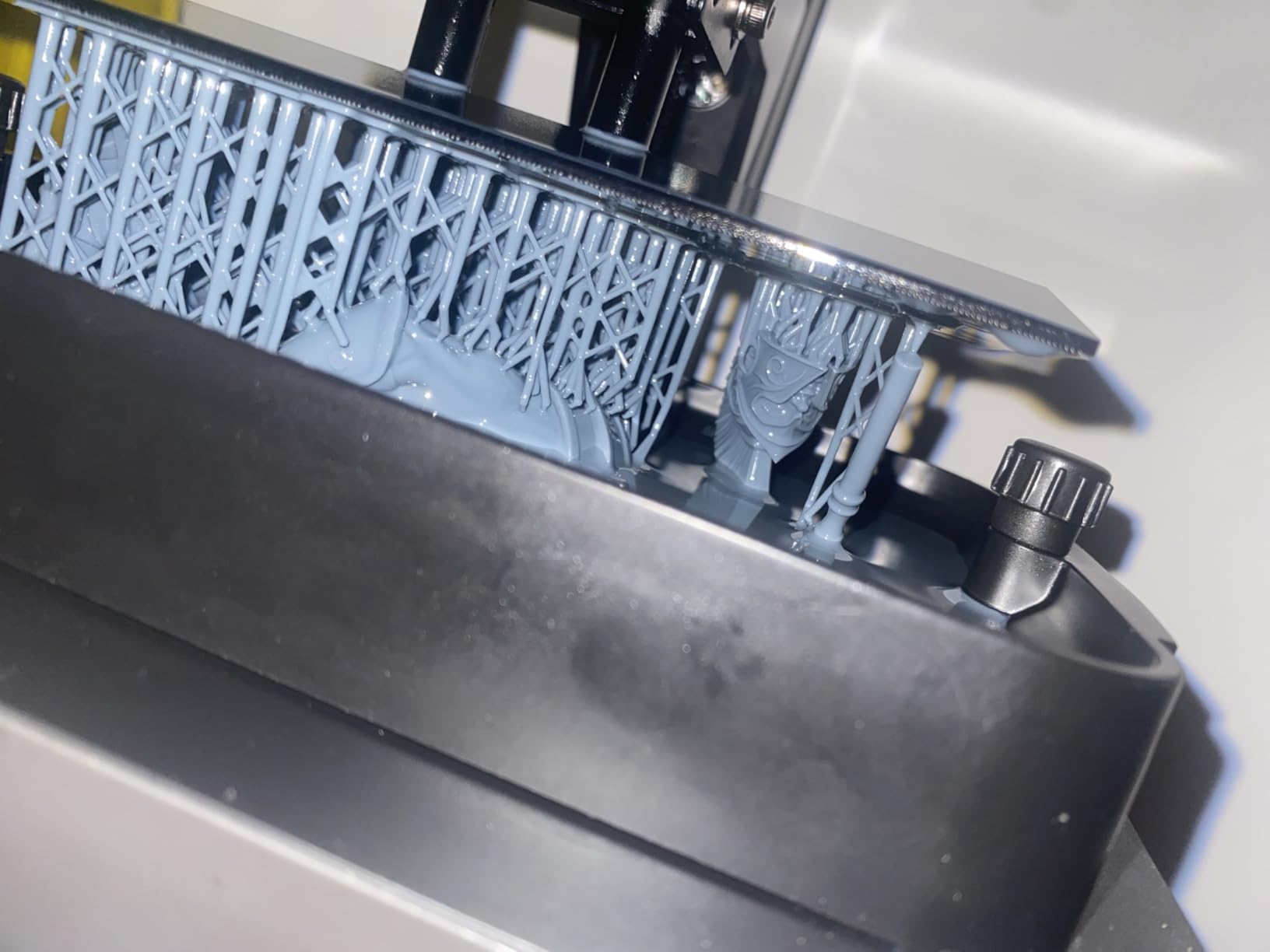
Surface quality is the quiet strength here. The LighTurbo matrix light source spreads illumination evenly across the screen, and the laser-engraved platform gives resin something to grip, which is where most entry resin printers fail on the first layers.
At 7.7 pounds the machine is genuinely portable, and reviewers note it runs quietly enough to sit in a room without becoming the loudest thing in it.
Who the Photon Mono 4 Fits
It fits tabletop gamers, miniature painters and anyone printing jewelry, figures or dental-style models who wants real detail without a large machine. It is also a sensible first resin purchase because the failure modes are simple and cheap to fix.
If you plan to print cosplay props or functional brackets, stop here and read the FDM section instead. Resin is brittle and the build volume is small.
Where the Mono 4 Falls Short
It falls short on construction quality. The chassis is mostly plastic, the touchscreen is small and low quality, and the FEP vat assembly is proprietary, so you cannot borrow a spare from another model.
Owners also report alignment quirks on the touchscreen and occasional problems in the Photon Workshop slicer, and there is no app support at all on this unit.
3. Creality Ender 3 V3 SE – The Budget Filament Workhorse
Creality Ender 3 V3 SE 3D Printer with Sprite Extruder
250mm/s maximum print speed
CR Touch 16-point auto-leveling
Sprite direct drive extruder
Dual Z-axis lead screws
Pros
- Most-reviewed printer in this roundup
- Direct drive handles TPU well
- 96 percent pre-assembled
- Quiet 32-bit mainboard
- Parts and mods are cheap and plentiful
Cons
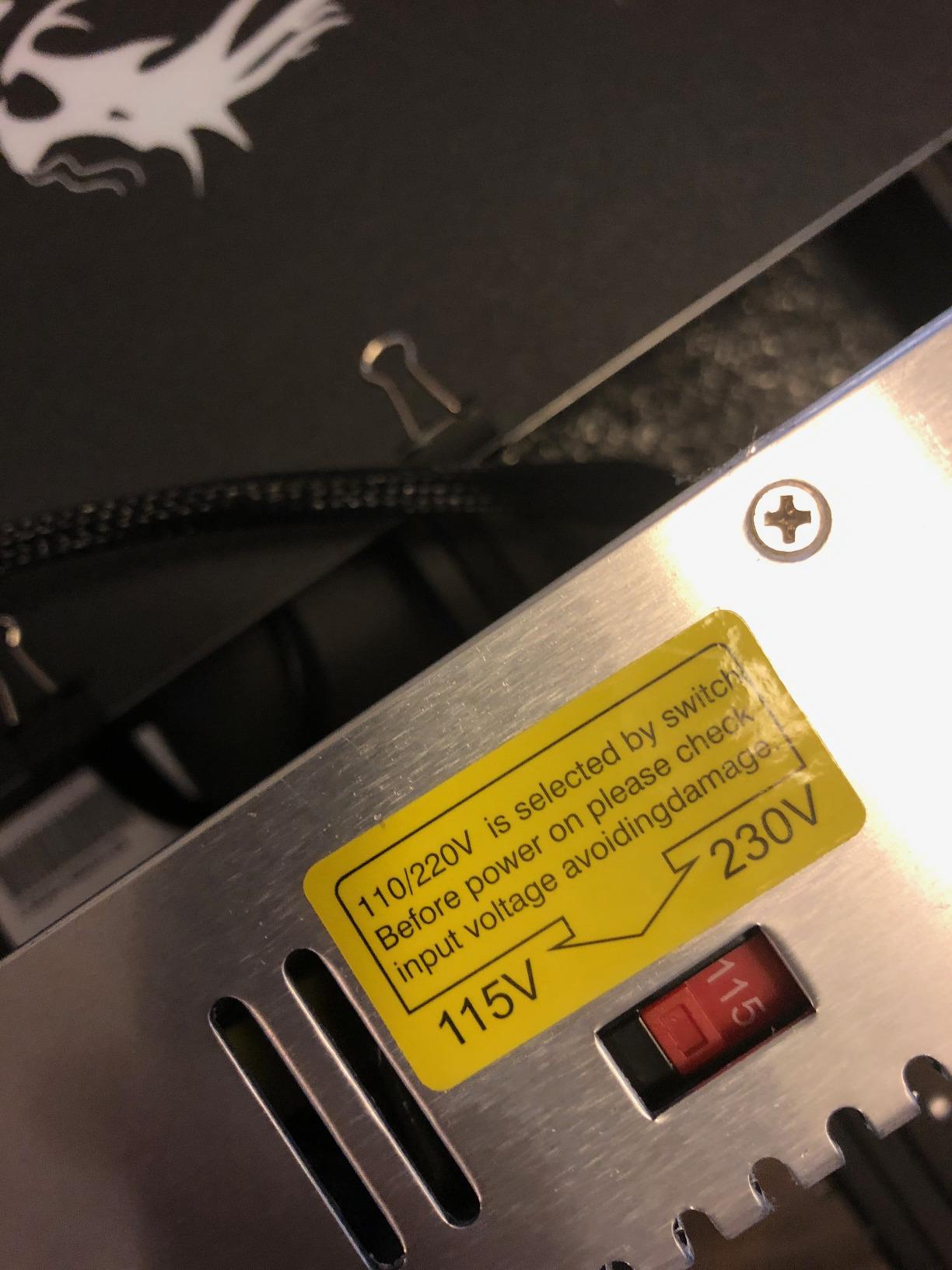
- Assembly instructions are confusing
- Hot end wiring integrated into the control board
- Some machines still arrive needing manual bed leveling
- Bed surface is plastic-coated
The Ender 3 line became the default first machine for a reason: enormous community knowledge and cheap parts. The V3 SE modernizes that formula with CR Touch 16-point auto-leveling, a direct drive Sprite extruder and a 32-bit silent mainboard, and it arrives 96 percent assembled so there is barely any assembly to do.
Direct drive is the feature most beginners underestimate. It lets the machine print flexible TPU without the retraction problems that plague Bowden setups, which opens up phone cases, grips and gaskets immediately rather than eventually.
Reviewers rate it at 4.2 across 3072 reviews, the deepest review pool of any machine here, and the consensus is consistent: excellent value, occasional assembly confusion, and a printer that rewards anyone willing to read a forum. Dual Z-axis lead screws give it more vertical stability than the original Ender design.
Power loss recovery and auto filament loading and unloading are small conveniences that add up over a year of use, and the removable magnetic build plate makes swapping surfaces quick.
Who the Ender 3 V3 SE Fits
It fits first-time buyers on a tight budget, students, and tinkerers who want a platform they can modify. Because parts are abundant and cheap, it is also the right machine for learning, since a failed experiment costs one cheap part rather than a replacement board.
It is a solid everyday machine for PLA and PETG and handles TPU well thanks to the direct drive extruder.
Where the Ender Falls Short
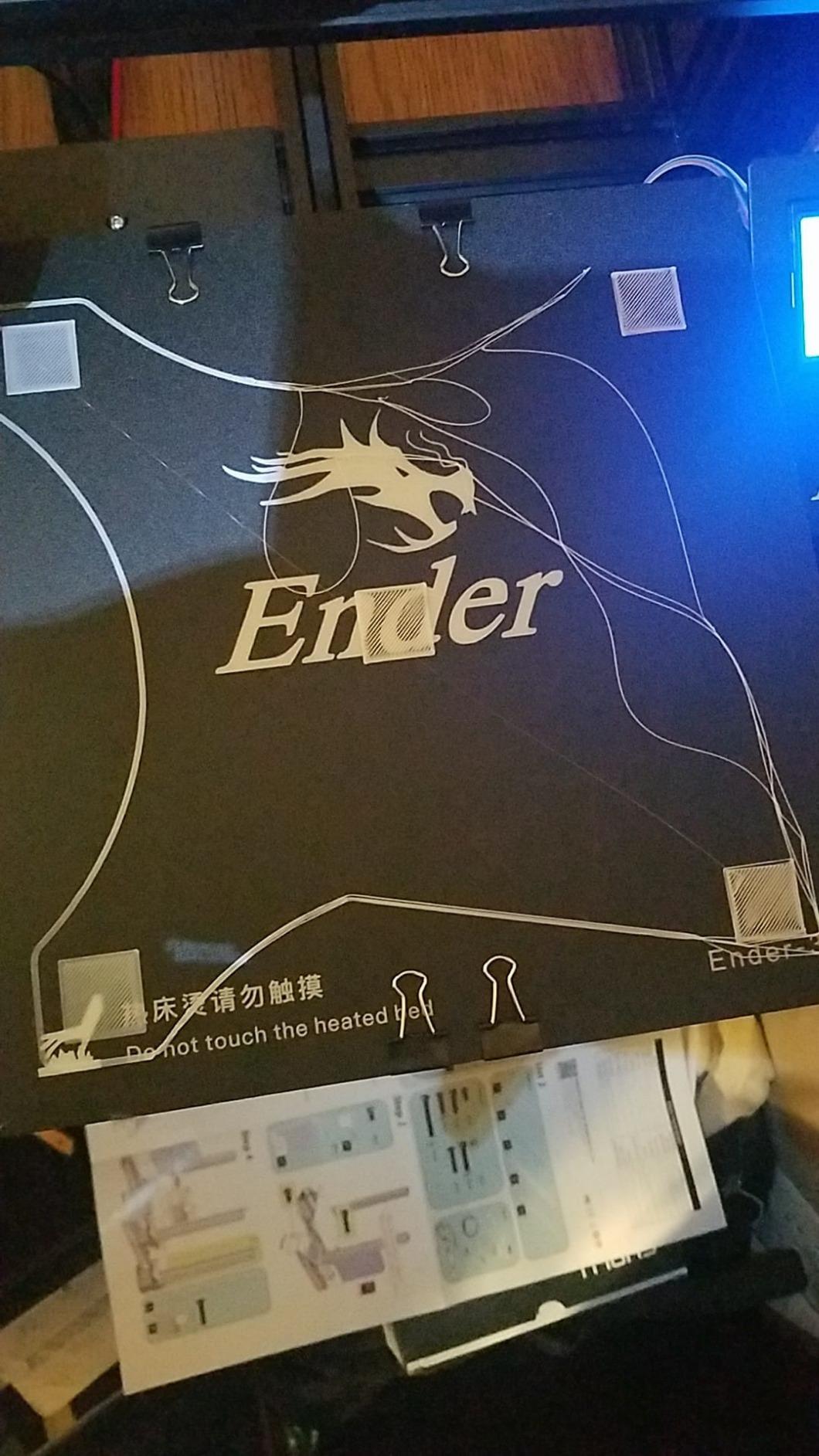
It falls short on polish. The instructions trip people up, the hot end wiring is integrated into the control board, and some machines arrive needing manual bed leveling despite the auto-leveling sensor.
There is no enclosure, so ABS and ASA warp, and the 250mm/s figure is a machine limit rather than a sustainable print speed. If you want quiet, fast, out-of-the-box results with no tinkering, the Bambu Lab A1 is the better spend.
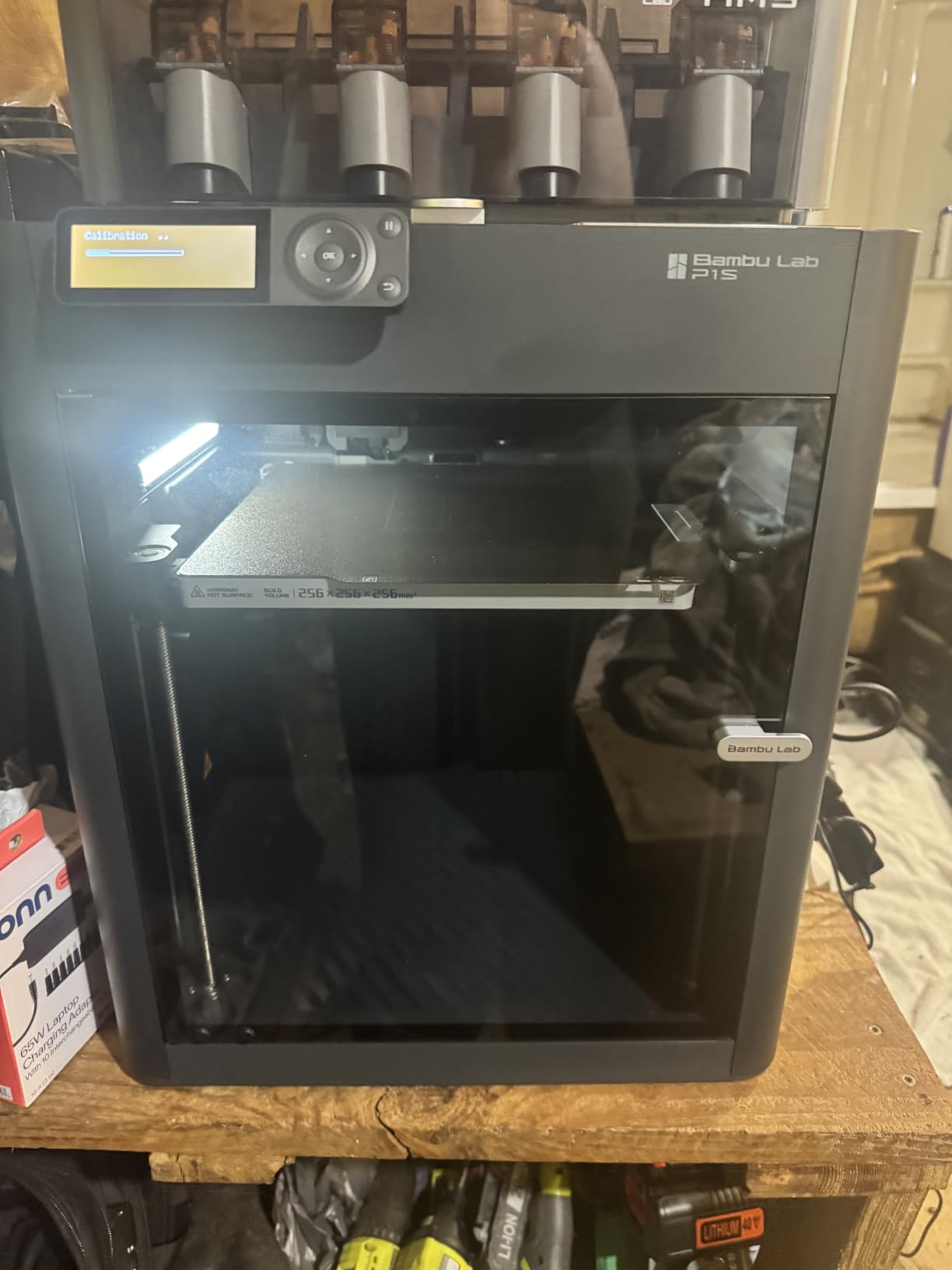
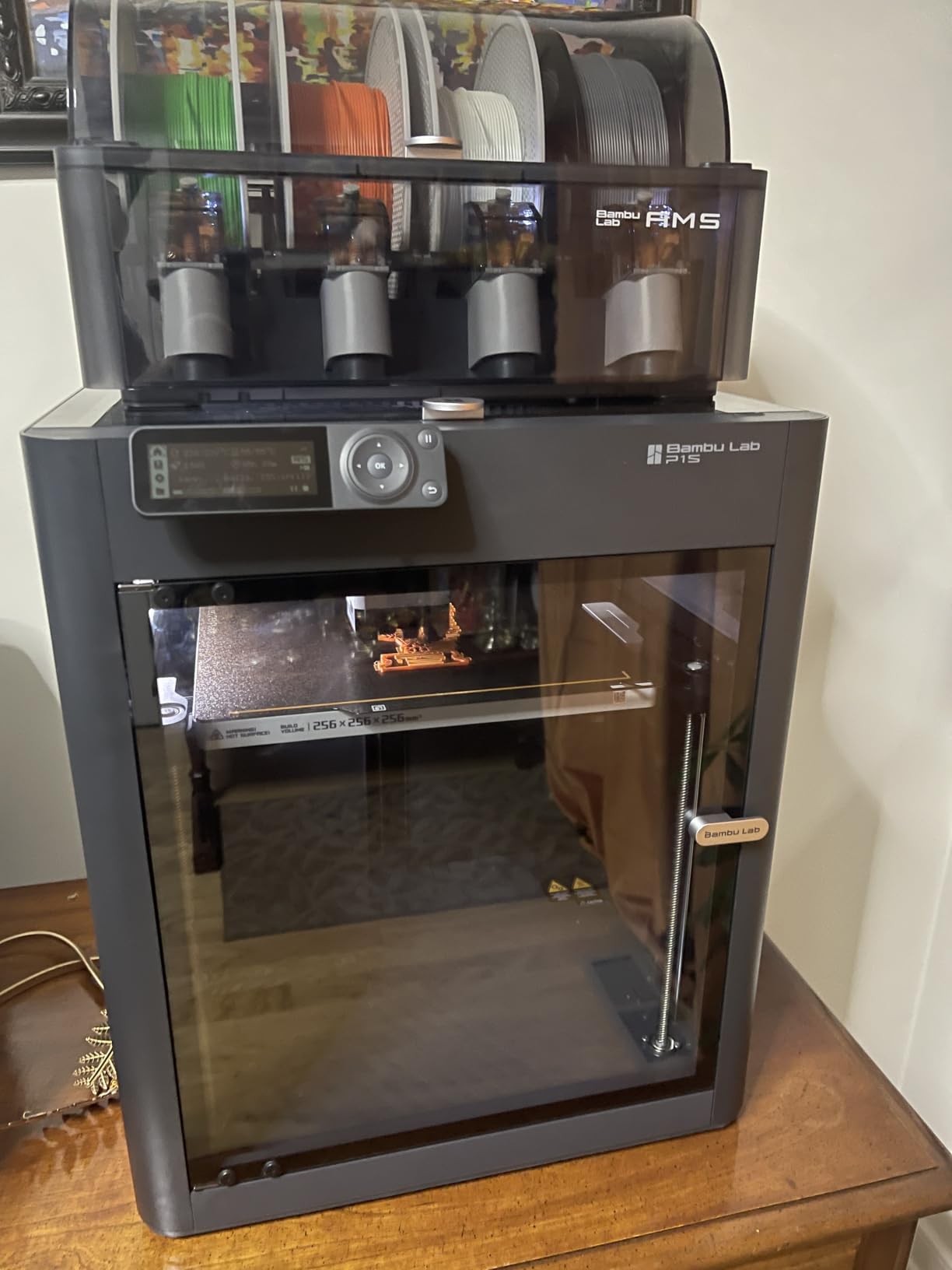
4. Bambu Lab P1S Combo – Enclosed Speed With Native Multi-Color
Bambu Lab P1S Combo, P1S 3D Printer and AMS, Multi-Color 3D Printing
AMS multi-color up to 16 colors
500mm/s with 20000 mm/s2 acceleration
Fully enclosed chamber
15-minute setup
Pros
- AMS handles up to 16 colors unattended
- Enclosed chamber supports ABS and ASA
- Very high acceleration for short prints
- Automatic bed leveling every print
Cons
- On-screen display is low resolution
- Wi-Fi and Bluetooth binding is confusing
- No filament spools included
- Firmware updates can hang
- Standard SD card prints ignore the AMS
The P1S Combo is the machine to buy when multi-color output is the goal rather than a future idea. The included AMS feeds up to 16 colors, so a model with a dozen colors prints in one continuous run instead of sixteen manual swaps. For anyone making signage, sorted storage bins or layered cosplay pieces, that is transformative.
The enclosed chamber is the second reason. With the door shut, ABS and ASA stop curling off the bed, and 500mm/s with 20000 mm/s2 acceleration means long prints finish faster than the advertised number suggests. Setup is quoted at 15 minutes, which is realistic for this class of machine.
Automatic bed leveling runs on every print rather than once at setup, which quietly prevents most first-layer failures on a machine that will be running unattended overnight. The machine weighs 47.5 pounds, so it is a permanent fixture rather than a portable one.
Material support is broad: PLA, PETG, TPU, PVA, PET, ABS and ASA are supported, with PA and PC listed as capable. Fiber-reinforced filaments are not recommended.
Who the P1S Combo Fits
It fits makers who print in multiple colors or with engineering materials, and anyone automating overnight jobs where a failed print costs a whole day. It also suits people moving up from an open-bed machine who need ABS and ASA to behave.
If you have never printed before and want zero setup, the A1 is easier. If you only print single-color PLA, the AMS is money you do not need to spend.
Where the P1S Combo Falls Short
It falls short on the small annoyances that owners repeat most: the built-in display is low resolution, the Wi-Fi and Bluetooth binding process confuses first-time users, and firmware updates occasionally hang mid-process.
Single-extruder AMS designs also purge filament on every color change, so multi-color jobs waste more material than dual-extruder systems, and the included unit ships with only a charcoal filter. If you care about long-term parts availability, note that the AMS relies on proprietary components.
5. Anycubic Kobra X – Multi-Color Printing Without the Premium
Anycubic Kobra X Multicolor 3D Printer, Easy Setup, Native 4-Color
Native 4-color printing,expandable to 19 colors
600mm/s max print speed
LeviQ 3.0 49-point auto-leveling
260 x 260 x 260 mm build
Pros
- Four colors out of the box at a mid-range tier
- 600mm/s with a hardened steel nozzle
- 49-point leveling plus AI monitoring
- Dual-band Wi-Fi and LAN
- Large model library in the app
Cons
- Print head failures reported
- ACE 2 Pro needed for more colors
- Spool holders can loosen from vibration
- App and ecosystem less polished than rivals
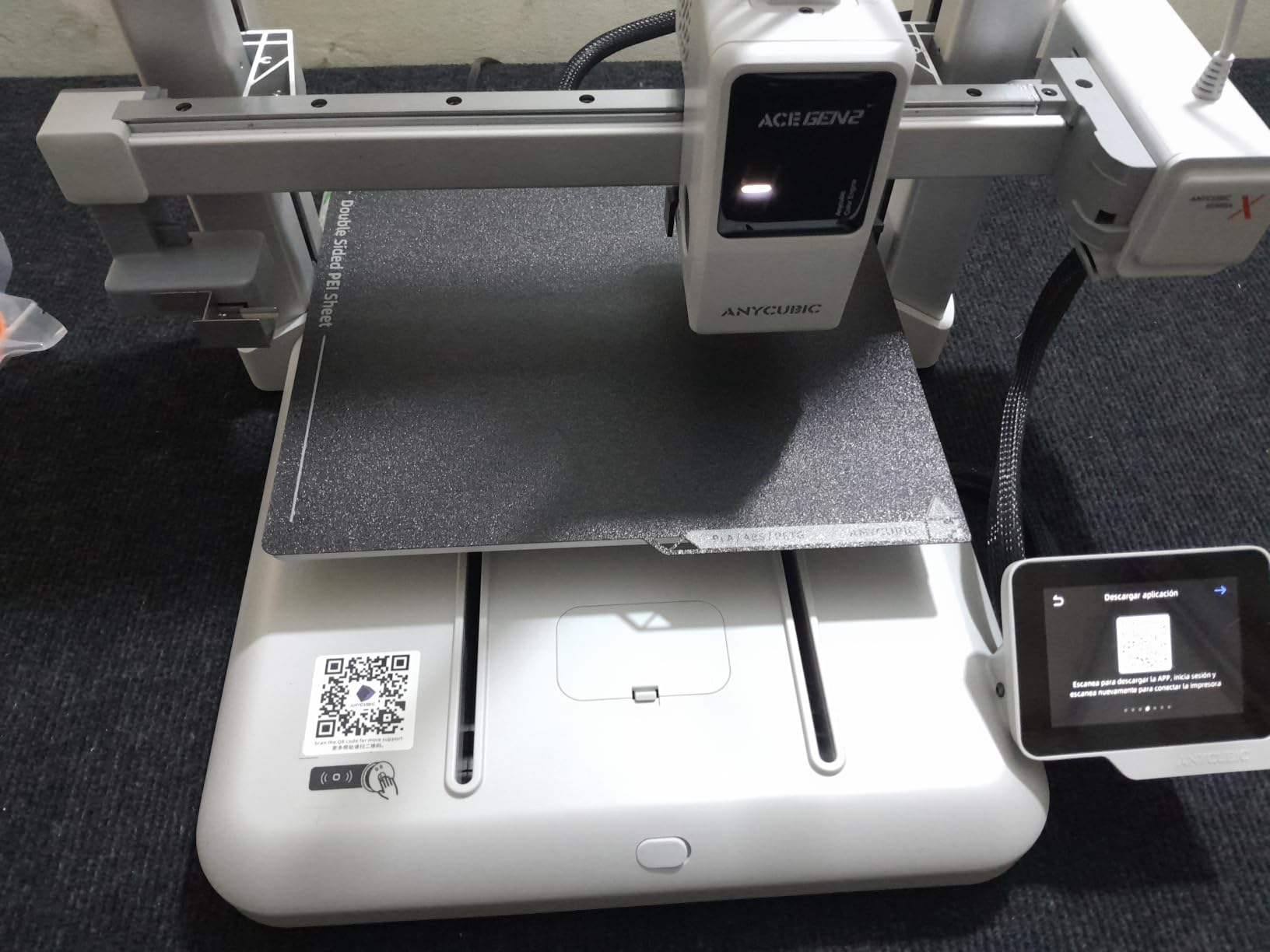
The Kobra X is the answer to a specific question: what does multi-color cost when you are not buying the premium tier? It prints four colors natively from a single extruder, and the ACE 2 Pro accessory extends that to 19 colors if your models need it later.
Speed is the headline number. A 600mm/s ceiling with a Benchy-style benchmark in 14 minutes puts it level with machines costing considerably more, and the 260mm cube build volume is one of the largest in this roundup.
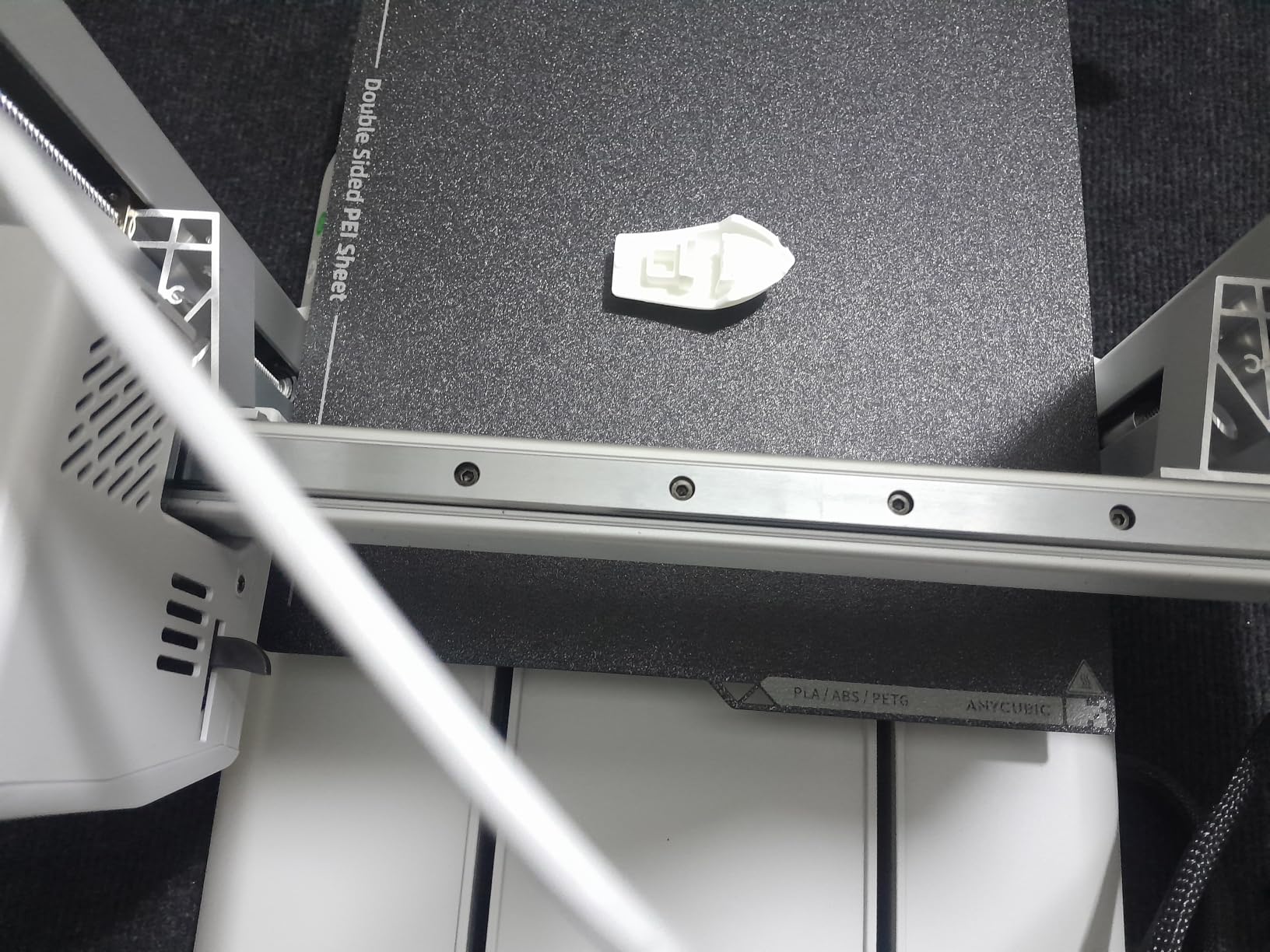
The hardened steel nozzle with vibration compensation handles abrasive filaments, and the 300-degree nozzle opens up ASA as well as PLA, PETG, TPU and PVA. LeviQ 3.0 does 49-point leveling, and AI monitoring flags spaghetti failures and foreign objects before they waste a whole print.
Setup is reported at around 15 minutes, dual-band Wi-Fi plus LAN covers stubborn routers, and the model library in the app removes the need to hunt for files.
Who the Kobra X Fits
It fits beginners who want multi-color immediately without climbing to the top of the price range, and makers who need a large bed at a mid-tier budget. It is a good second machine for a household already running something simpler.
It suits anyone who wants the Bambu-style automatic experience but prefers not to commit to a single-brand ecosystem.
Where the Kobra X Falls Short
It falls short on long-term reliability reports. Owners mention print head failures and clogging, and some machines developing problems after roughly two months of use. The top-mount spool holders can loosen under sustained vibration, and reaching more than four colors requires another purchase.
Filament is not included, and the software ecosystem is a step behind the most polished competitors. If reliability over the first year matters more than color count, the Bambu P1S Combo is the safer buy.
6. Flashforge Adventurer 5M – Speed and Moddability on a Budget
Flashforge Adventurer 5M 3D Printer for Beginners, 600mm/s Fast Printing, Direct Drive (280°C), Auto-Leveling, 8.7″x8.7″x8.7″ PEI Build Plate – Ideal for Home, School & Makers
600mm/s with Klipper firmware
25-point auto-leveling with pressure sensor
CoreXY frame with dual linear rails
MagSwitch PEI plate
Pros
- CoreXY stability at a budget price
- Klipper firmware for advanced users
- Nozzle changes in under 15 seconds
- PEI plate releases in about 3 seconds
- Meets UK noise regulations
Cons
- No enclosure included
- App connectivity issues reported
- Filament sensor can be finicky
- Less beginner-friendly than rivals
Most budget printers use a bed-slinger, where the print plate moves under the nozzle. The Adventurer 5M is a CoreXY machine with dual linear rails instead, and reviewers highlight the 63 percent resonance reduction that buys at speed. For short prints that is a real difference in how long you wait.
It also runs Klipper firmware, which is the open-source platform that advanced users ask for by name. That gives you pressure advance, input shaping and remote control over machines that otherwise hide those settings.
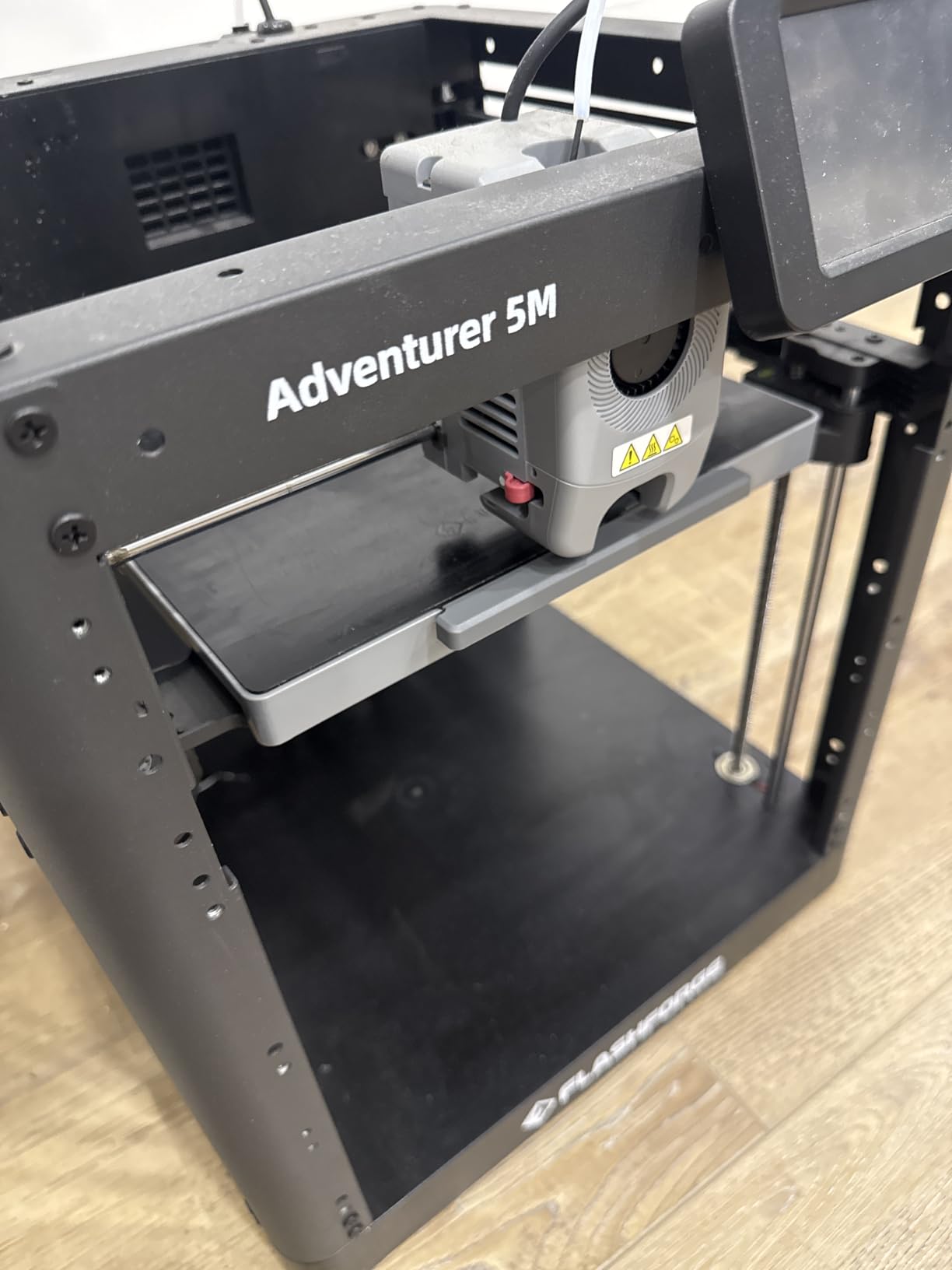
Everyday handling is unusually good. The 25-point auto-leveling uses a pressure sensor rather than a probe, and the MagSwitch PEI plate pops off in about three seconds so you can switch between textured and smooth surfaces mid-project. The Nozzle X system swaps a nozzle in under 15 seconds without tools.
Add a 32 cubic mm per second high-flow nozzle with a 50W ceramic heater, and this is a machine that will not feel like a compromise on day one.
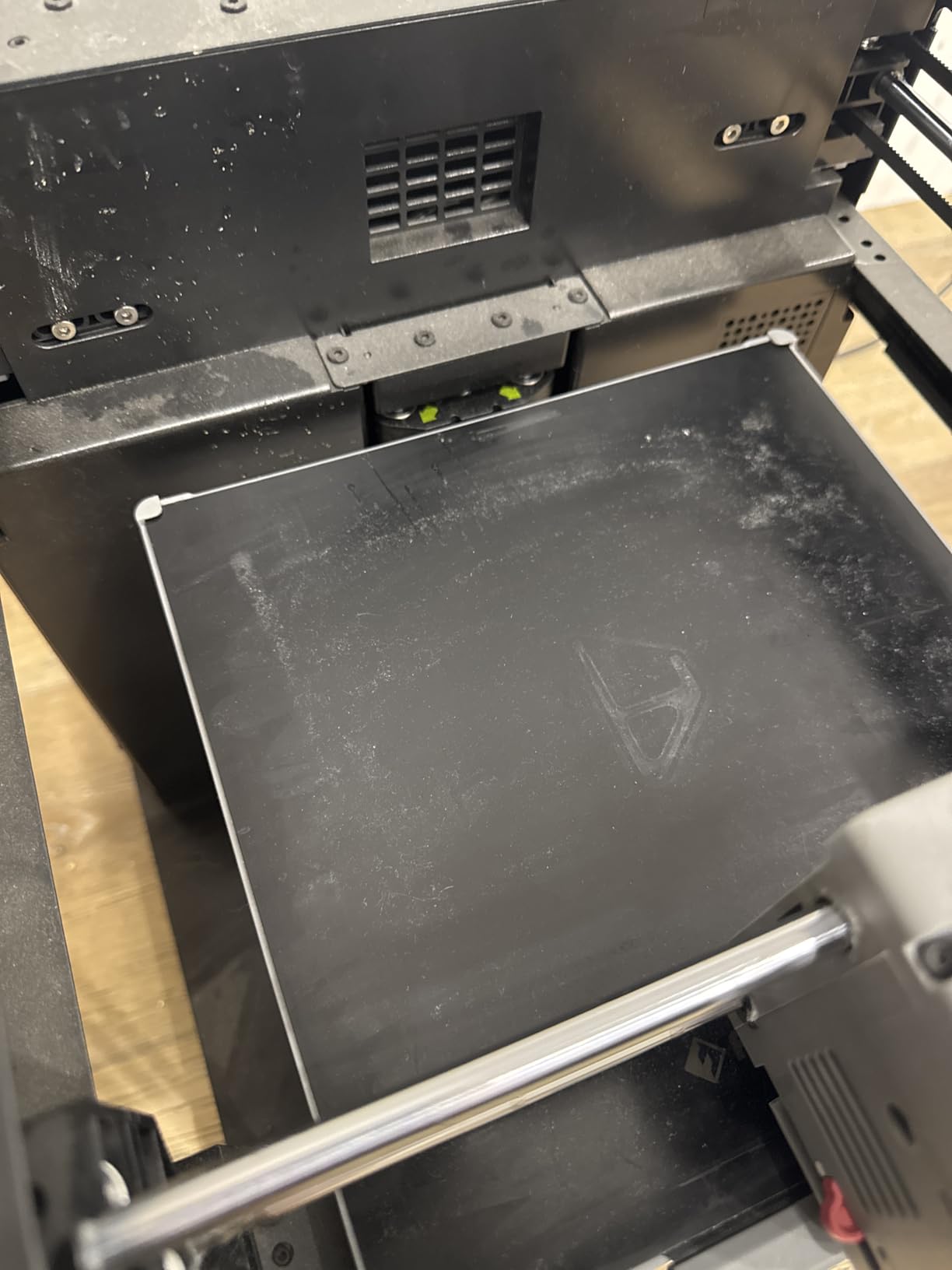
Who the Adventurer 5M Fits
It fits tinkerers who want open-source firmware and a machine they can tune, and makers who print many small parts where speed per print matters. It also suits anyone who plans to add an enclosure later, since the community has printable panel designs for it.
It is a good value route into CoreXY motion without moving up a tier.
Where the Adventurer Falls Short
It falls short for ABS, ASA and nylon printing, because no enclosure is included and the chamber stays open. Reviewers also report app connectivity problems and a filament sensor that needs occasional coaxing.
It is less forgiving than the Bambu machines for a complete beginner. And while the 8.7 inch cube bed is usable, it is smaller than the 10 inch and 12 inch options in this list, so large cosplay armor is out of reach.
7. QIDI PLUS4 – Engineering Filaments and a Heated Chamber
QIDI PLUS4 3D Printer, 65℃ Chamber Heating, 370°C Integrated Nozzle
65C active chamber with 400W heater
370C integrated nozzle
12 x 12 x 11 inch build volume
CoreXY with dual motor Z
Pros
- Active chamber heating solves warping
- 370C nozzle covers the toughest filaments
- Dual motor-driven Z-axis resists layer shift
- 10mm shafts and lead screws for durability
- HD camera for remote monitoring
Cons
- Premium hardware cost
- At 59 pounds it is not portable
- QIDI BOX multi-filament system not yet released
- Software ecosystem less mature
Warping is a chamber problem, and the PLUS4 is the machine in this roundup built specifically to solve it. A 400W active heater holds the chamber at 65C, so ABS, ASA, PC and PA can print on a large bed without the corners lifting. That alone puts it in a different class from the open-frame machines.
The hotend reaches 370C with a multi-metal integrated throat, which is what you need for PPS-CF, PPA-CF and similar filled engineering polymers. The 6mm thickened aluminum bed and 10mm diameter linear shafts are specified for stiffness rather than appearance.
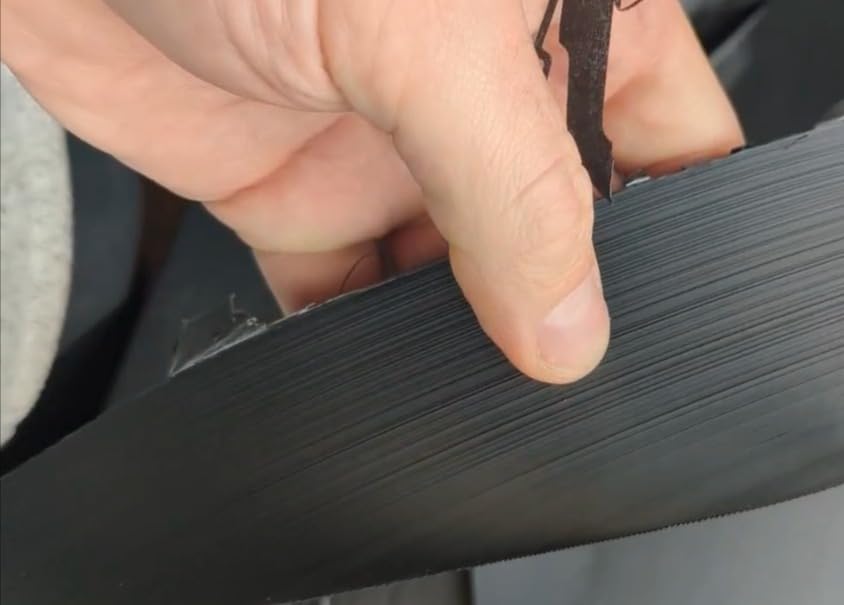
Structurally it is a serious machine. Independent dual motor-driven Z-axes resist layer shift on a 12 inch cube build volume, which is the single most common failure on large printers, and CoreXY keeps the motion smooth at speed.
Reviewers report roughly 10 minutes from unboxing to first print, plus an HD camera for time-lapse and remote monitoring and filament wrap or break detection to stop a long job.
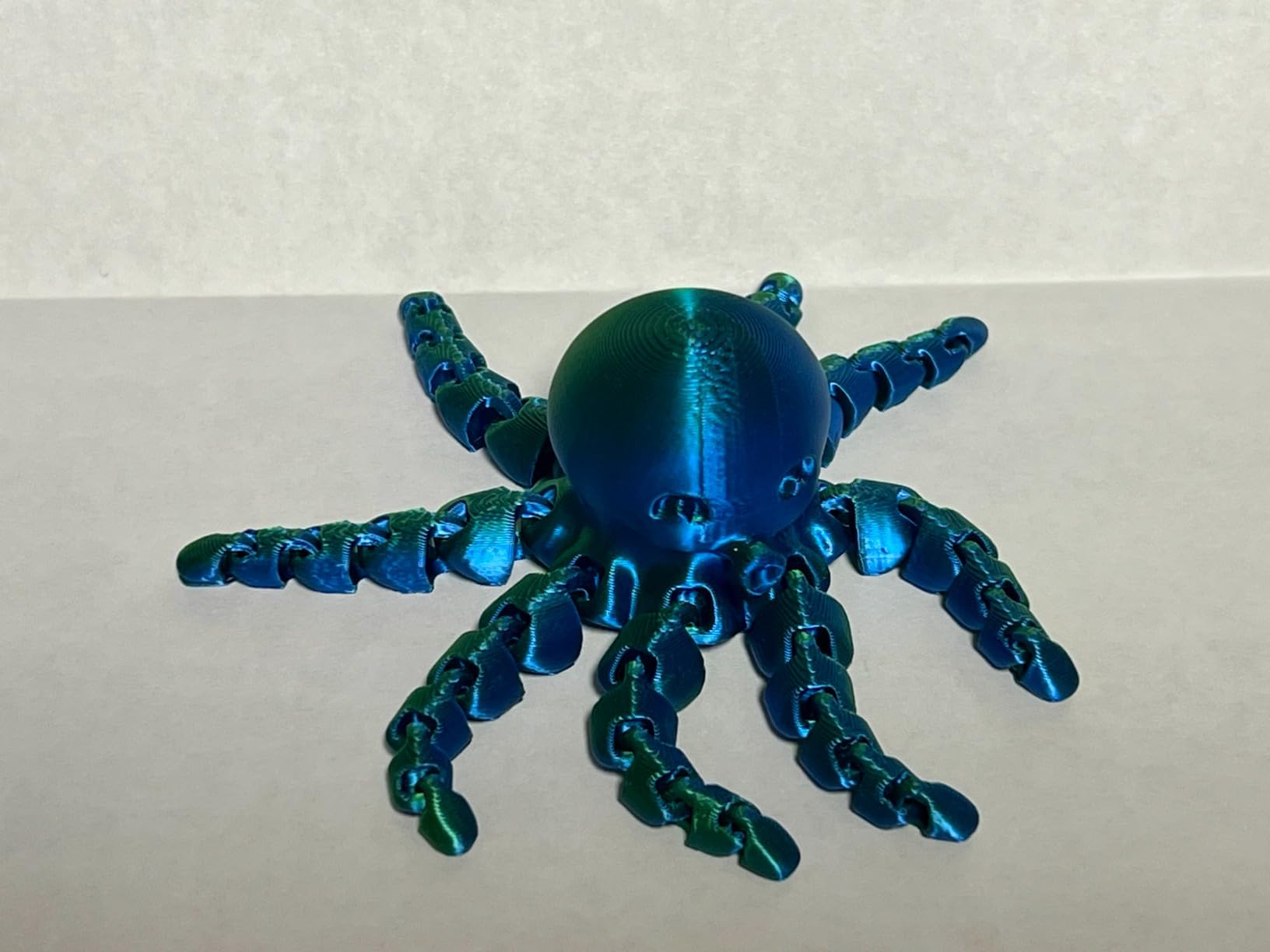
Who the QIDI PLUS4 Fits
It fits engineers and serious hobbyists printing functional parts in nylon, PC and fiber-reinforced filaments, and anyone who has been defeated by warping on a big ABS print. The 12 inch cube bed is genuinely large for a machine in this bracket.
It is also a good fit for small studios doing short-run functional prototypes where layer shift is not acceptable.
Where the PLUS4 Falls Short
It falls short for beginners on two counts: the software ecosystem is less mature than the most polished competitors, and the learning curve is steeper. At 59.4 pounds with a large footprint it is a machine that gets a shelf of its own rather than one you move around.
The QIDI BOX multi-filament system is not yet released, so multi-material plans are future tense. If you mostly print PLA, this is hardware you will not use to its limit.
8. Creality K2 Plus Combo – Large Builds and 16-Color Printing
Creality K2 Plus Combo 3D Printer, Multi Color Printing with New CFS 600mm/s High-Speed Full Auto-Leveling Dual Al Camera Next-Gen Direct Drive Extruder Large Build Volume 13.78×13.78×13.78inch
350 x 350 x 350 mm build volume
CFS multi-color system,4 boxes give 16 colors
600mm/s with 30000 mm/s2
Active 60C chamber,350C nozzle
Pros
- 350mm cube build handles props and furniture-scale parts
- CFS system with RFID auto-switching
- Step-servo motors and matrix die-cast frame
- Active 60C chamber for engineering filaments
- Dual AI cameras and 18 sensors
Cons
- Premium price and costly CFS add-ons
- At 70 pounds it is a fixed installation
- Large footprint with a complex system
- Overkill for most hobbyists
- Early firmware issues possible
The K2 Plus Combo is the machine you buy when the object does not fit anywhere else. A 350mm cube build volume handles cosplay armor, large enclosures and panel sections, and it is roughly triple the volume of the entry machines in this roundup.
Multi-color is handled by the CFS system. Four CFS boxes give 16 colors with RFID filament recognition and automatic switching, so the printer identifies each spool and changes material without you naming the color in the slicer.
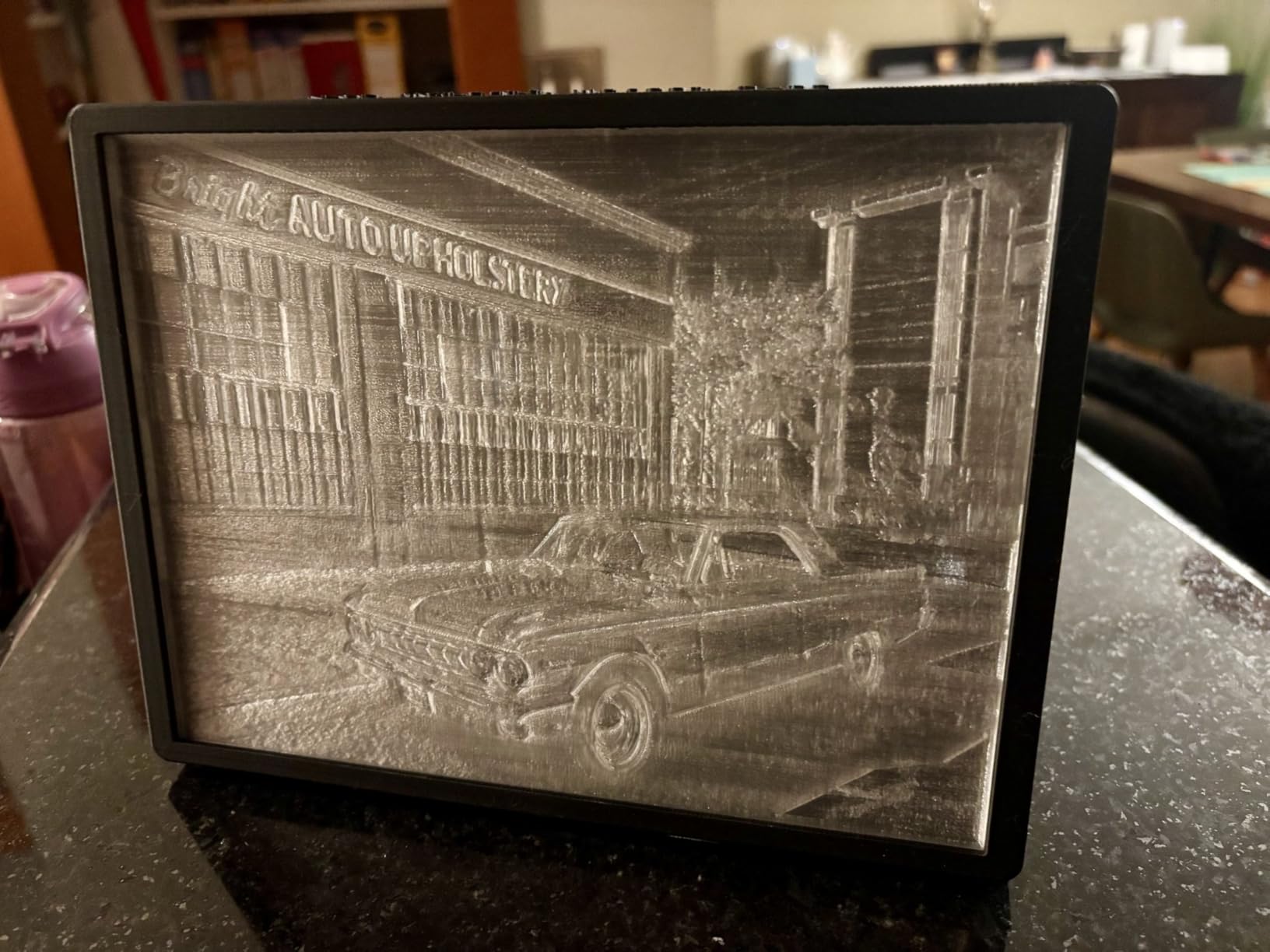
Underneath, the spec sheet is closer to a production machine. FOC step-servo motors across all axes, a 40 cubic mm per second high-flow hotend, an active chamber held at 60C, a 350C hardened steel nozzle and a die-cast aerospace aluminum matrix frame add up to a very rigid machine.
Eighteen sensors plus dual AI cameras covering the chamber and the toolhead give you failure detection and time-lapse monitoring, which matters most on the long prints this build volume invites.
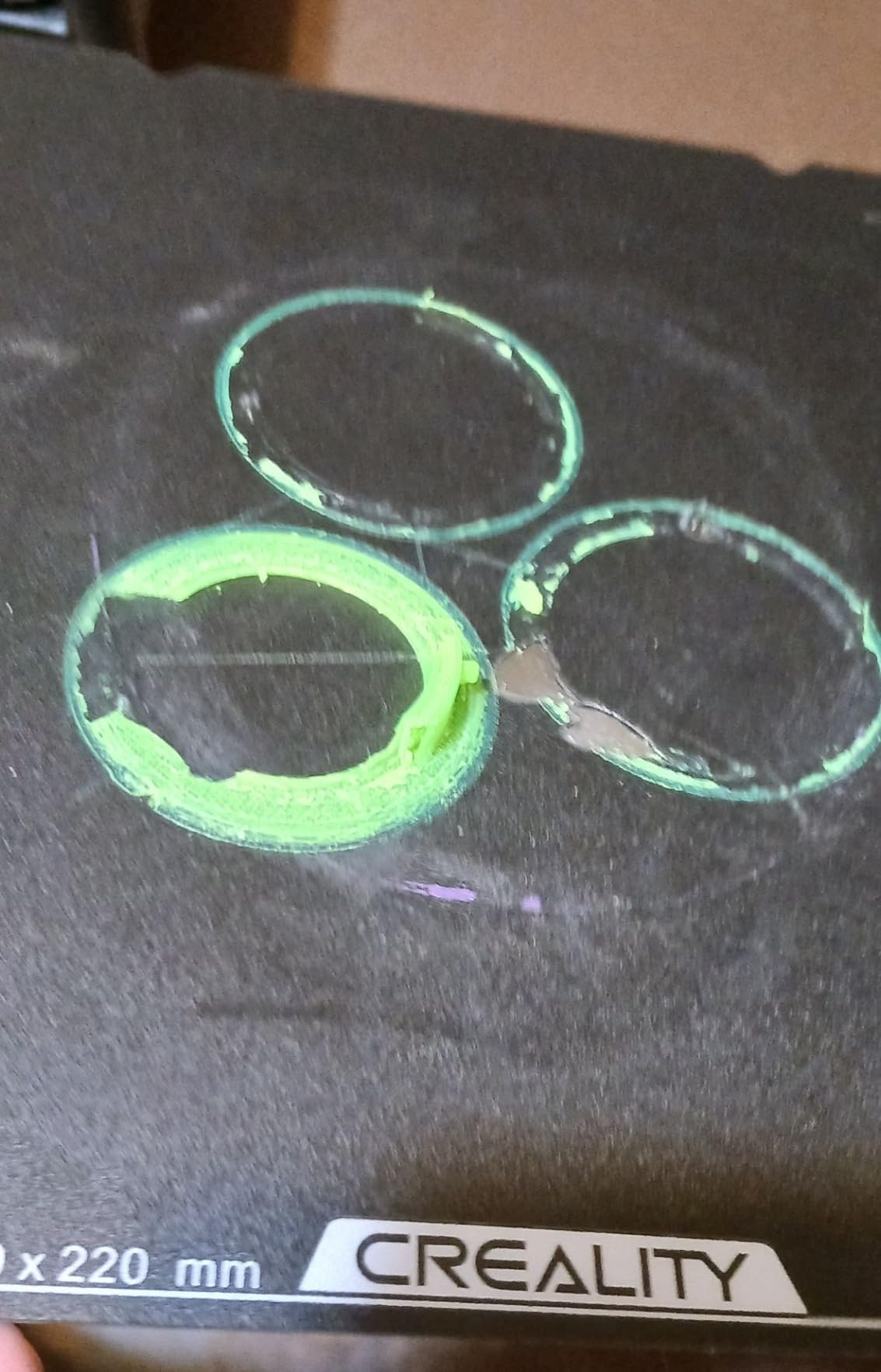
Who the K2 Plus Combo Fits
It fits large-format hobbyists, prop makers and small businesses doing multi-color runs where changing filament by hand is not viable. It also suits anyone printing engineering filaments in volume, given the heated chamber and high nozzle temperature.
It is the sensible choice when you already know you will outgrow a small bed, because a failed large print wastes far more filament than a failed small one.
Where the K2 Plus Falls Short
It falls short for anyone who prints small parts or is new to the hobby. At 70.4 pounds with a big footprint it is a permanent installation, and the total cost climbs quickly once you add more CFS boxes.
More moving systems means more failure points, and early-adopter firmware issues are reported. The rating of 4.0 across 895 reviews reflects capability more than consistency, so buy it for a specific project rather than as a general-purpose first machine.
9. Anycubic Photon Mono M7 PRO – 14K Resin at High Speed
ANYCUBIC Photon Mono M7 PRO 14K Resin 3D Printer, 170mm/h Fast Printing
14K monochrome LCD at 13312 x 5120
170mm/h with high-speed resin
COB LighTurbo 3.0 light source
Temperature-controlled resin vat
Pros
- 14K resolution for extreme fine detail
- 170mm/h speed roughly halves print time
- Temperature-controlled vat improves layer adhesion
- Auto resin fill and one-key recycling
- Six intelligent detection systems
Cons
- Proprietary FEP film assembly is costly to replace
- Touchscreen calibration can be off
- Photon Workshop software has quirks
- Vat heating issues reported on some firmware
- Random error messages
The M7 PRO is the resin machine to buy if you print a lot of small, detailed parts. At 170mm per hour with high-speed resin it finishes a typical miniature batch far faster than the 130mm per hour the same machine achieves with standard resin, and across 2066 reviews that speed advantage is the most-mentioned feature.
Resolution is the headline: a 14K monochrome LCD at 13312 x 5120 pixels gives 16.8 by 24.8 micron XY detail. The COB LighTurbo 3.0 source is rated for 90 percent-plus light uniformity, which is what keeps the edges of a part from being softer than its center.
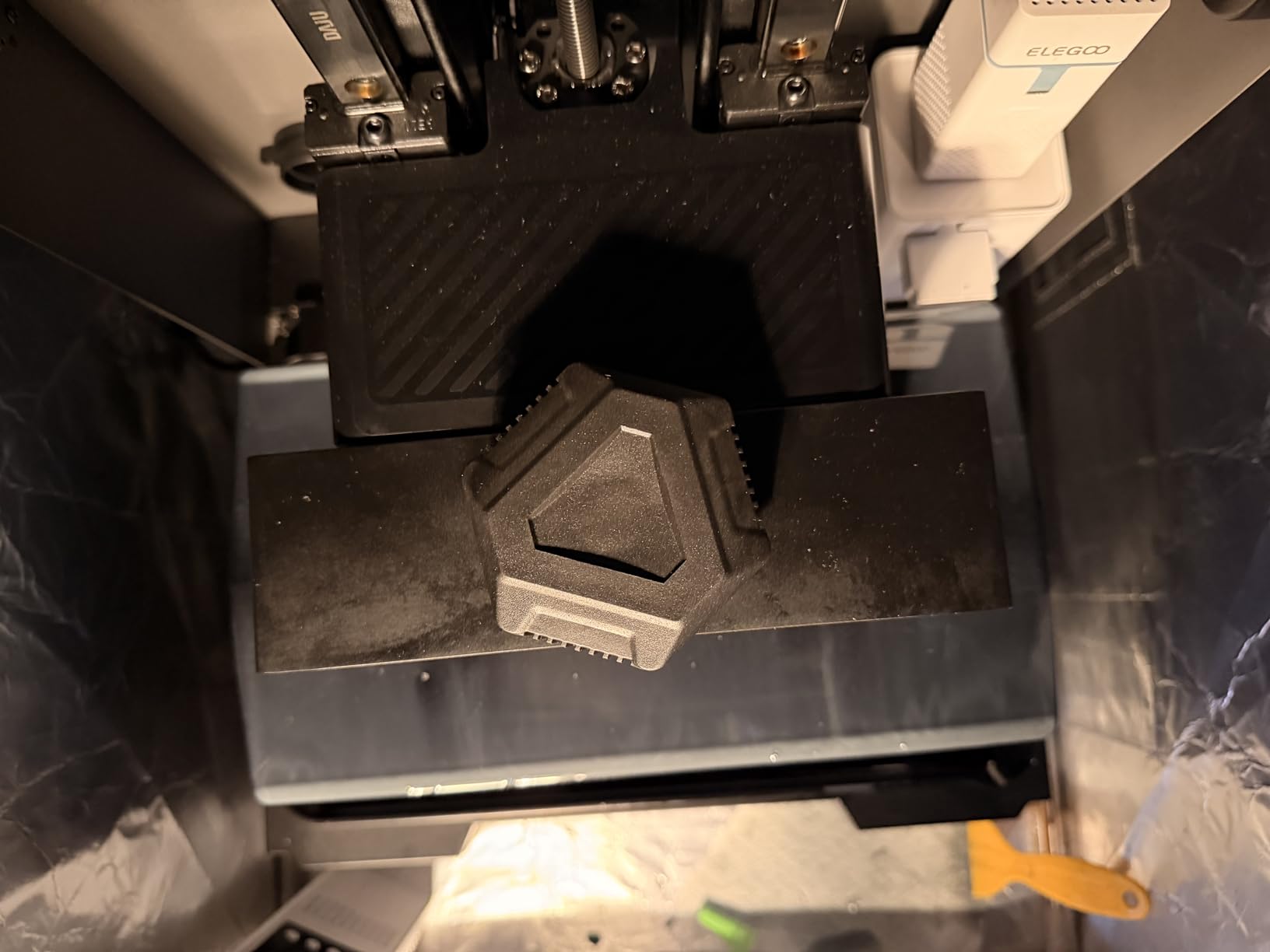
Newer than most machines here, and the additions are practical. A dynamically temperature-controlled resin vat keeps viscosity steady, auto-fill tops the vat without you pouring it back, and six detection systems cover build plate installation, resin level and the other things that stop a two-hour print at minute ten.
Reviewers consistently call it quiet and report solid build quality, with a metal vat adding to the sense of a sturdier machine.
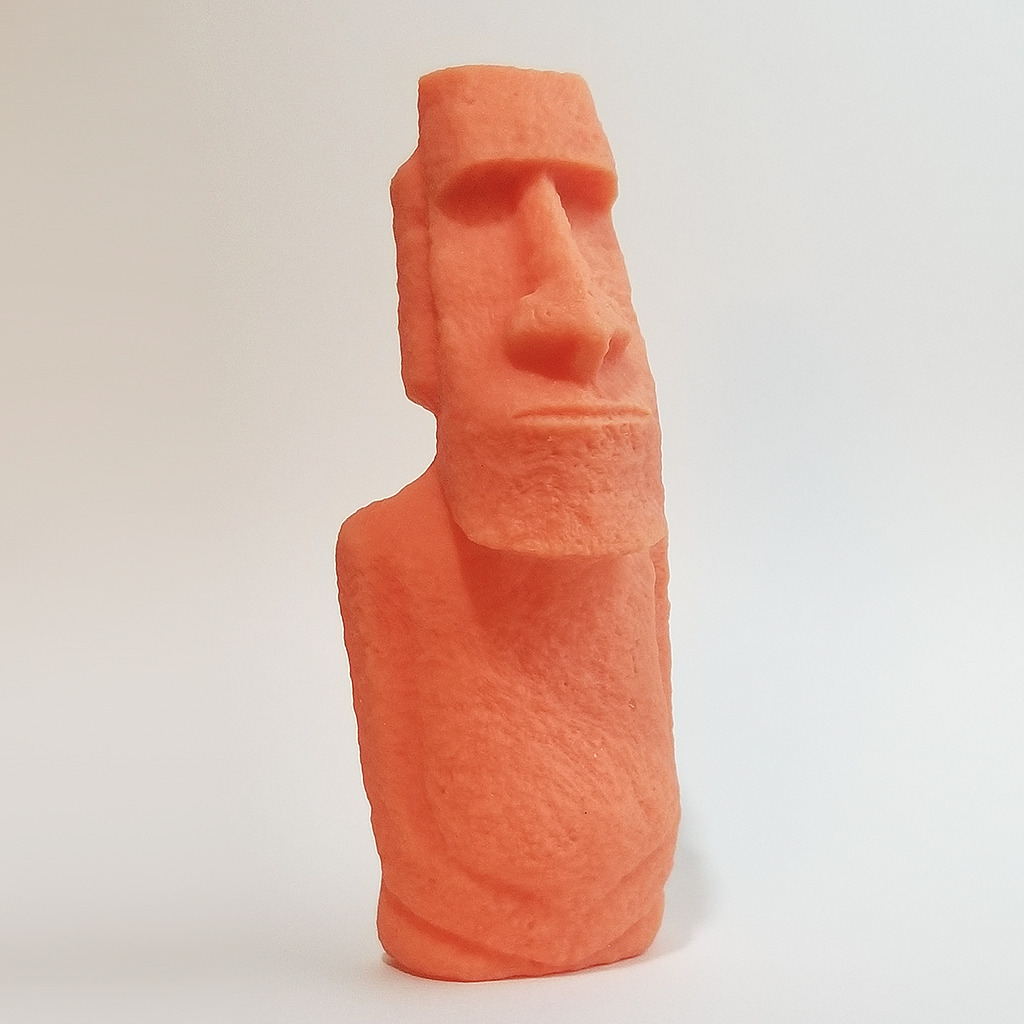
Who the M7 PRO Fits
It fits tabletop gamers, sculptors and anyone producing large batches of small resin parts where speed and detail are both on the critical path. It is a strong second resin machine for a workshop that already has wash and cure set up.
If your prints are functional parts rather than models, resin is the wrong technology and the FDM machines in this list will serve you better.
Where the M7 PRO Falls Short
It falls short on consumable cost and software polish. The FEP film assembly is proprietary and expensive to replace, and reviewers recommend ACF film over the standard FEP for long service life, which adds a cost per machine.
Owners report vat heating issues tied to firmware versions, touchscreen calibration that is sometimes off, and occasional random error messages in Photon Workshop. At 33.3 pounds it is also a fixed object on a desk rather than a portable one.
10. Elegoo Saturn 4 Ultra 16K – Big Resin Builds With a Heated Vat
ELEGOO Saturn 4 Ultra 16K Resin 3D Printer
16K ultra-high resolution
Smart tank heating holds 30C
150mm/h with tilt release technology
AI camera with chamber light
Pros
- 16K resolution on a large build plate
- Heated vat at 30C reduces layer separation
- Large build volume for resin
- Plug-and-play auto-leveling
- Time-lapse photography and AI camera
Cons
- Reports of electronics failures on individual machines
- Satelite software crashes and freezes
- Firmware updates can break saved settings
- FEP peel film wears quickly
- Uncured resin pools on the plate
Resin printers normally trade size against detail, because a bigger screen costs money to make precise. The Saturn 4 Ultra 16K resists that trade with a large build plate at 16K resolution, which makes it the machine to look at for cosplay-scale resin prints and larger display pieces.
The smart tank heating holds the vat at 30C, and that matters more than it sounds. Viscous resin in a cold vat sticks to the film instead of releasing cleanly, so parts lift off with torn supports. Controlling temperature is a quality fix, not a gimmick.
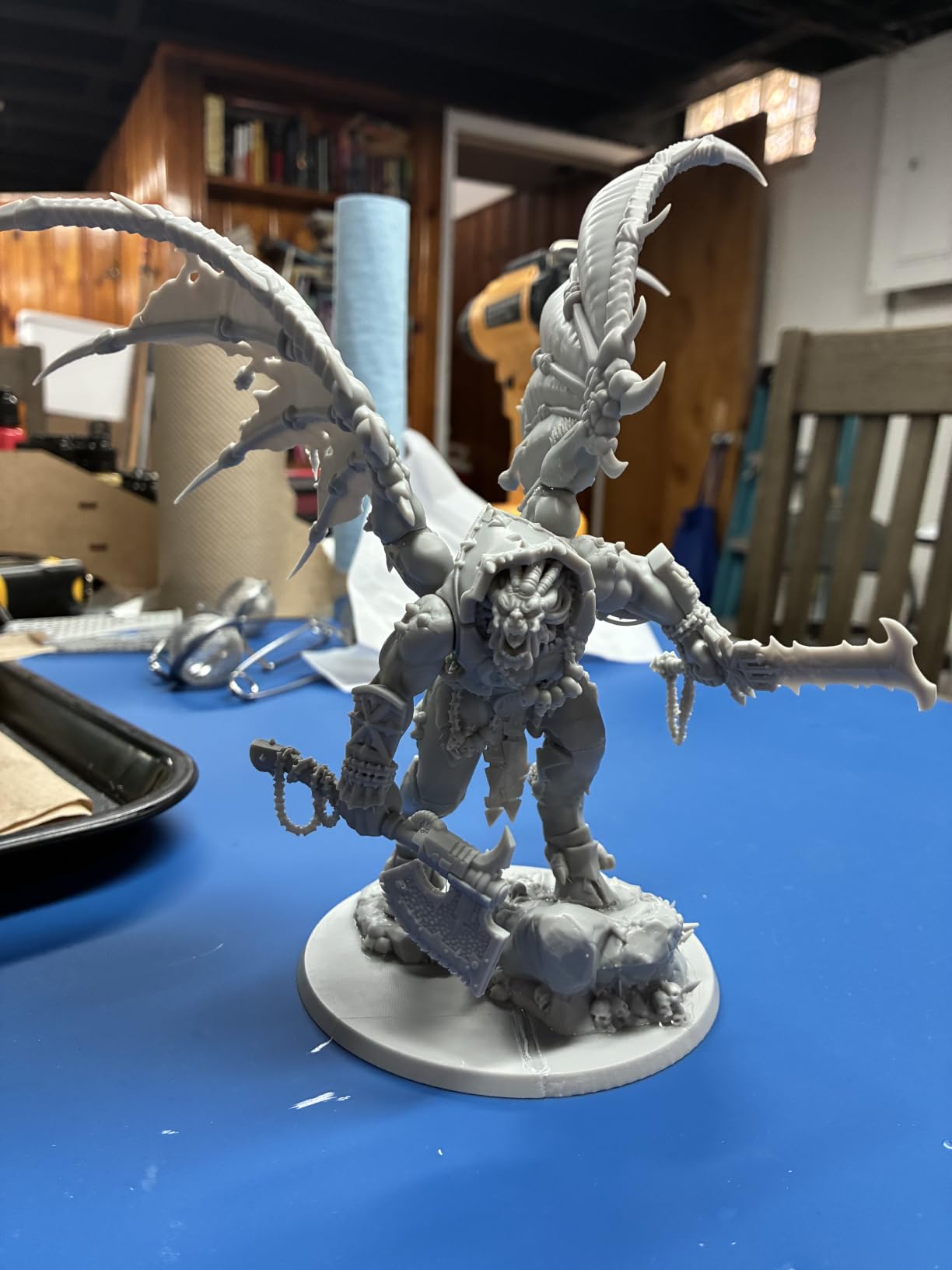
Tilt release technology lifts the plate at 150mm per hour, which is faster than older-style bottom-up machines, and auto-leveling is plug-and-play. The AI camera has a built-in chamber light, so monitoring a print in progress actually shows you something instead of a dark screen.
Elegoo support is frequently singled out in reviews, particularly for replacements, which matters on a machine with consumable film.
Who the Saturn 4 Ultra Fits
It fits makers who print resin at a size beyond what entry machines can hold, and anyone who needs a heated vat for tough or viscous resins. It also works well for display models where the whole surface is visible.
If you print dozens of small minis instead, the faster M7 PRO is the better machine for the money.
Where the Saturn 4 Ultra Falls Short
It falls short on reliability. Reviews report electronics failures on some units, Satelite software crashes and freezes, and firmware updates that have broken saved settings on machines that were working fine.
The FEP peel film wears quickly, at roughly a week of heavy use, so consumable running costs add up. Uncured resin pooling on the build plate and the ventilation resin fumes require are further practical drawbacks.
11. Elegoo Mars 5 Ultra – The Set-It-and-Forget Resin Printer
ELEGOO Mars 5 Ultra Resin 3D Printer
7 inch 9K mono LCD at 18 micron XY
150mm/h with tilt release
Self-zeroing build plate
AI camera monitoring with alerts
Pros
- Self-zeroing build plate removes manual leveling entirely
- 9K resolution with 18 micron detail
- Tilt release for faster prints
- Residue and resin shortage alarms protect the screen
- Wi-Fi cluster printing for multiple machines
Cons
- Lid has no hinges and must be removed completely
- Rounded resin spout causes spills
- Small build plate limits object size
- Low-resolution camera feed
Most resin printers ask you to level the build platform and then hope it stays level. The Mars 5 Ultra has a self-zeroing plate, which is the feature that makes it feel automatic: you load the plate and it finds its own position, so a machine that has been nudged out of alignment fixes itself.
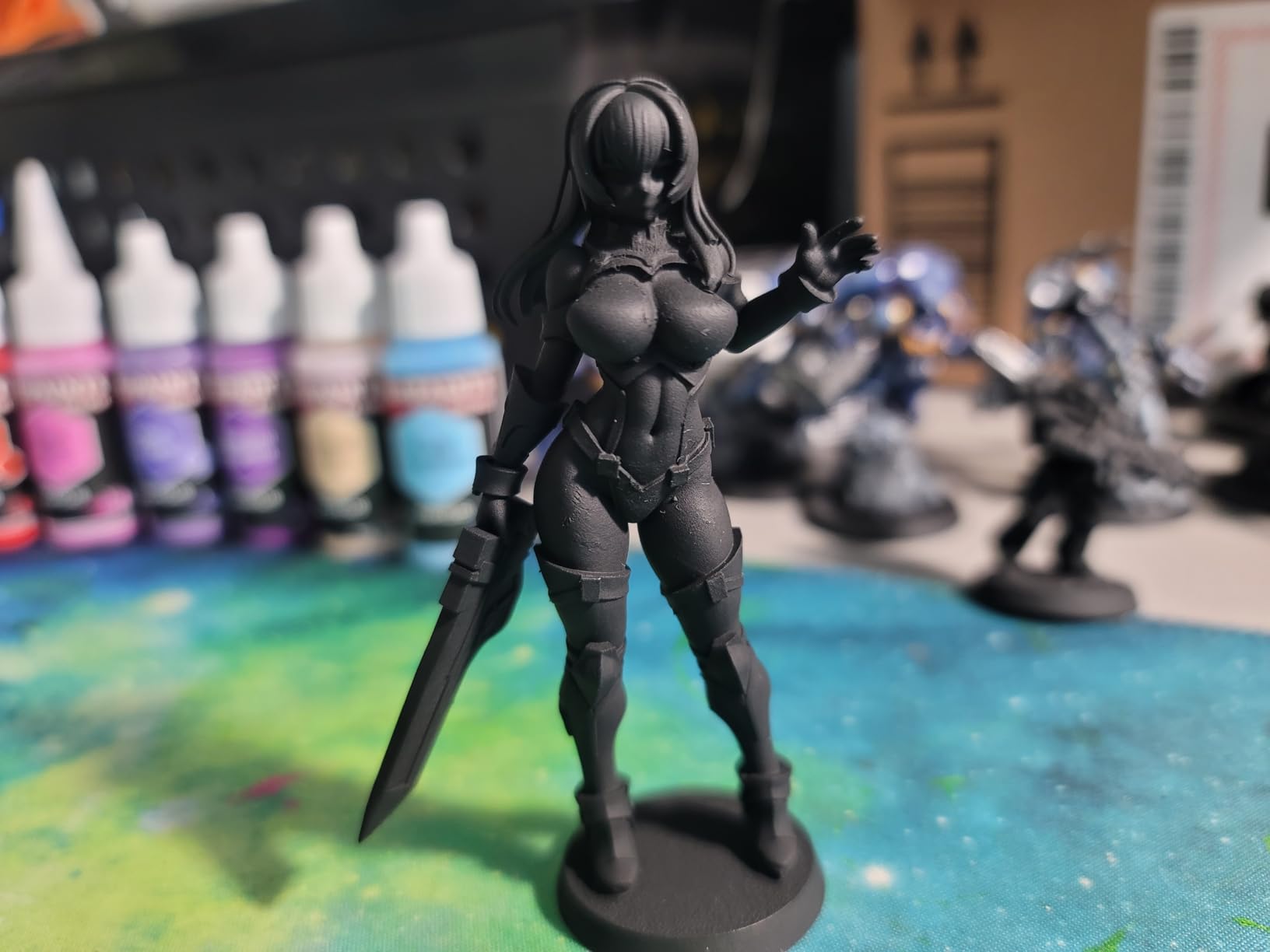
Resolution is a 7 inch 9K monochrome LCD at 18 micron XY, which is more than enough for tabletop minis, dice and jewelry, and tilt release technology keeps print speed at 150mm per hour.
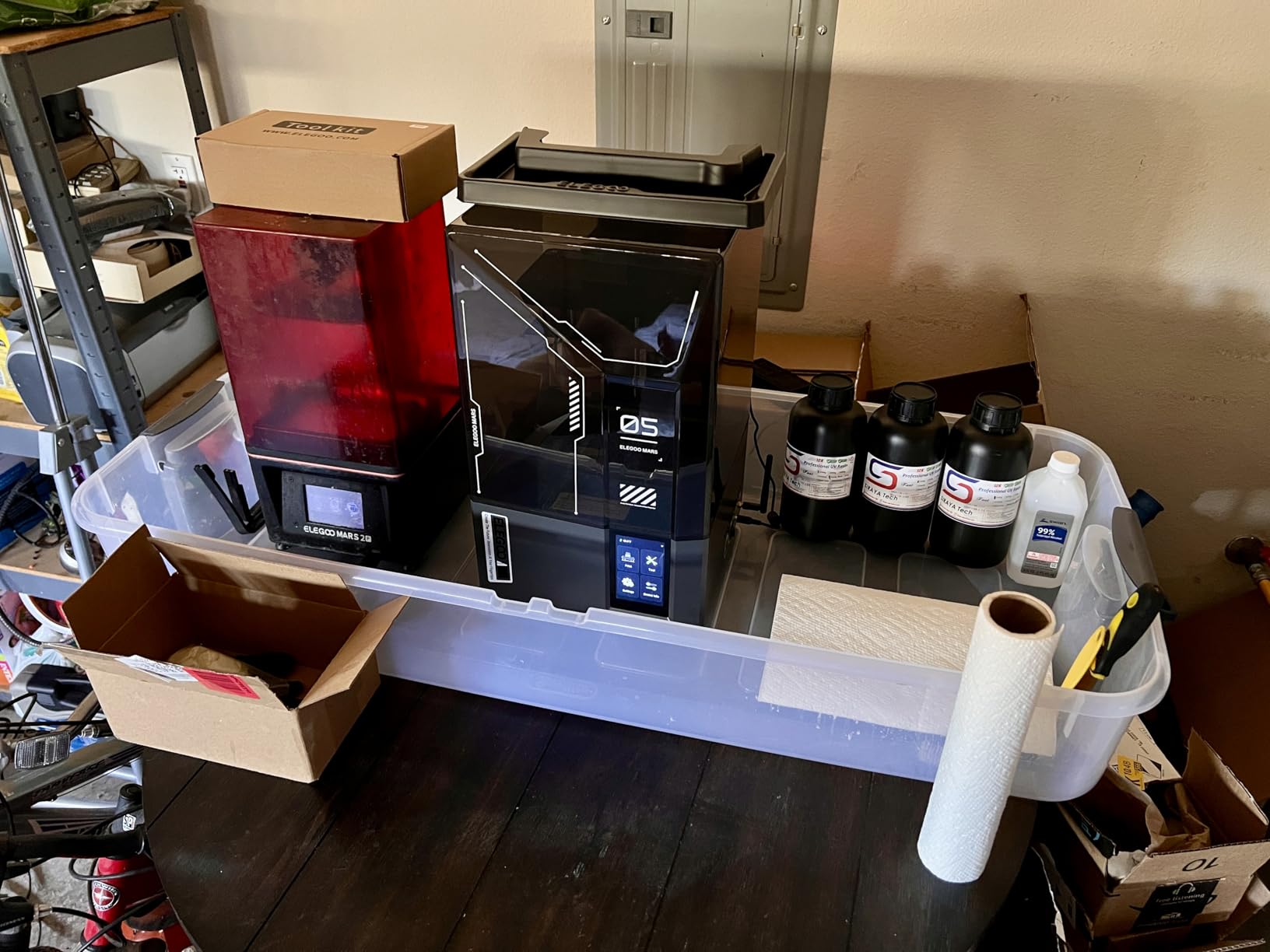
The monitoring is unusually thoughtful. An AI camera watches the print, and a mechanical sensor detects residue on the screen before a stray cured blob ruins the LCD, which is the single most expensive failure a resin printer can have. Resin shortage and leveling failure alarms cover the two other common causes of a wasted print.
Wi-Fi cluster printing is aimed at schools or small studios running several machines at once, and three months of the Chitubox Pro slicer are included.
Who the Mars 5 Ultra Fits
It fits beginners moving into resin, because there is no leveling step to get wrong, and families printing minis and models together on one machine. It also suits anyone who wants unattended printing without checking the plate constantly.
It is a solid middle step between an entry resin printer and the higher-resolution models.
Where the Mars 5 Ultra Falls Short
It falls short on build size. The plate cannot handle anything cup-sized, so large resin prints are out of the question, and the build plate itself is plastic that owners report can rip.
Two design annoyances come up repeatedly: the lid has no hinges and must be removed completely, and the rounded resin spout spills. The camera feed is low resolution and gets blocked by taller prints, so it is a safety net rather than a time-lapse camera.
12. TINA2S – A First Printer for Kids and Small Spaces
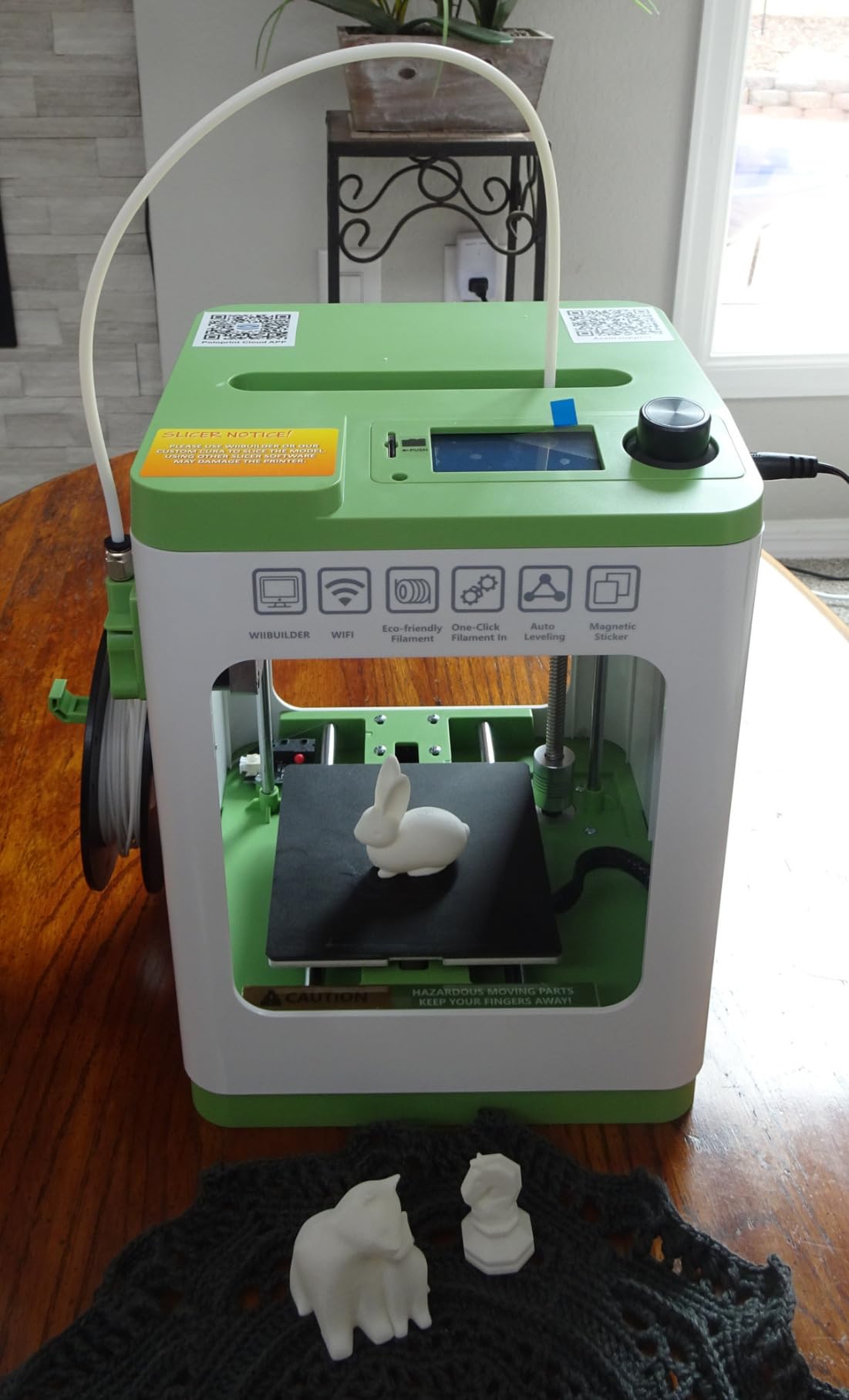
TINA2S Fully Assembled Mini 3D Printer for Kids and Beginners, Starter Kit
Fully assembled and ready to print
8.3 x 8.3 x 11.4 inch footprint
Auto-leveling with dual Z-axis
2.4 inch LCD with one-touch filament loading
Pros
- Arrives fully assembled
- Includes filament and an SD card of models
- Compact and quiet at 6.4 pounds
- Active pause and resume prints
- Works with standard open-source slicers
Cons
- Very small build volume
- PLA only with no heated bed
- Stringing and adhesion issues reported
- Bowden tube causes retraction problems
- Needs small 250g spools
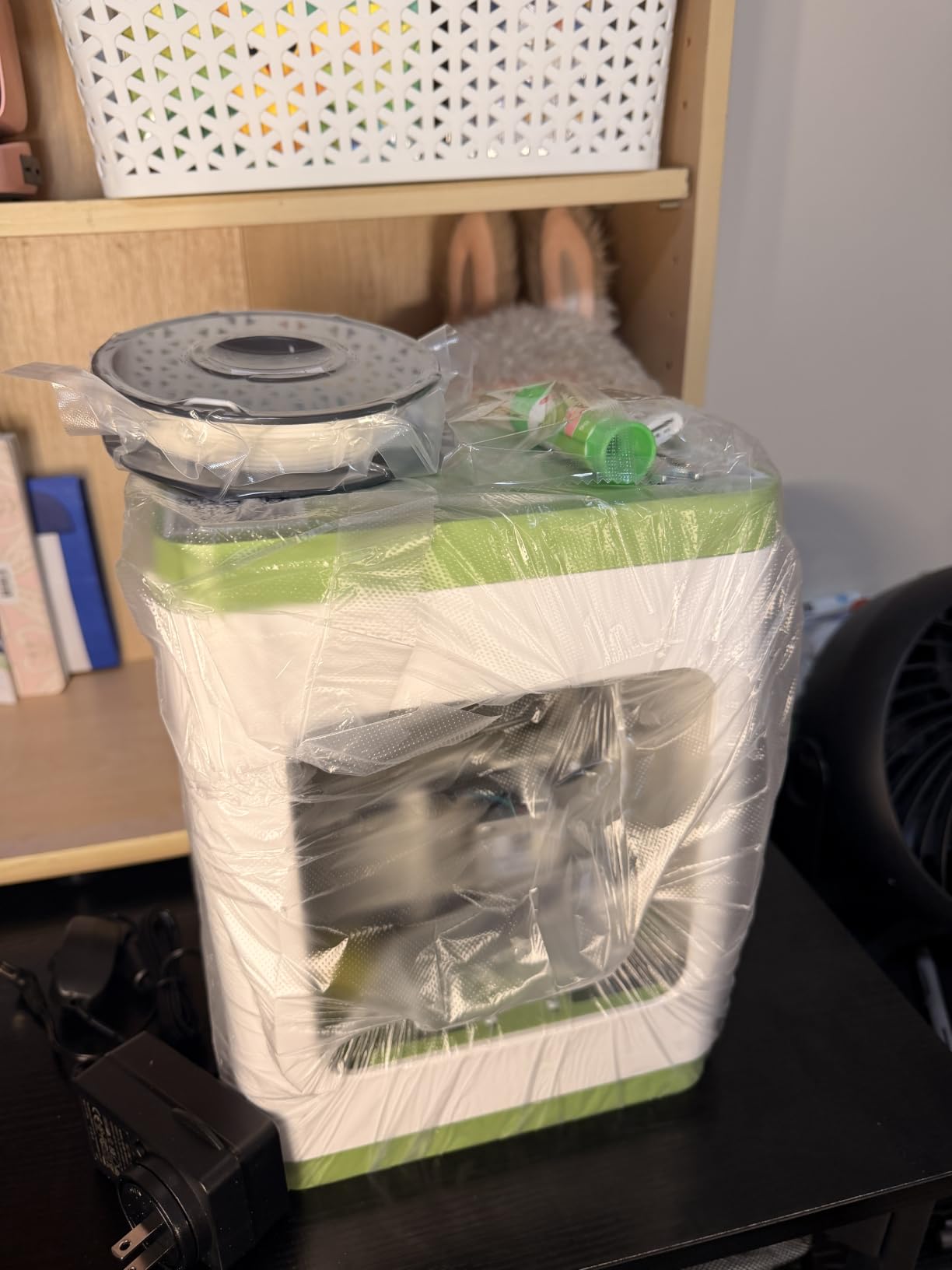
The TINA2S exists to solve one problem: giving a child or a complete beginner a working printer without a build kit. It arrives fully assembled, includes filament, a card of models and a simplified app, and the first print is about 20 minutes away.
At 6.4 pounds and 8.3 inches square, it is the smallest and lightest machine here by a wide margin, and it is quiet enough for a bedroom or a classroom corner. Auto-leveling means there is nothing to calibrate, and active pause and resume lets you swap filament mid-print without losing the job.
It is also open in a way most budget machines are not. It works with Wi-Fi printing and standard open-source slicers including Cura, Simplify3D and Slic3r, so you are not locked into a single app for the life of the machine.
At 4.6 across 407 reviews, the rating is high because the machine does exactly one job simply and reliably.
Who the TINA2S Fits
It fits parents buying a first machine for a child, teachers setting up a classroom, and anyone in a small apartment who needs a printer that takes up no desk space. It is also a good low-stakes machine for learning filament handling without risk.
If your interest is keychains, bookmarks, name tags and small articulated models, it is a perfect fit.
Where the TINA2S Falls Short
It falls short the moment you want anything substantial. There is no heated bed, so it is PLA, PLA Pro and TPU only, and the build volume is small enough that a mug or a phone case is not realistic.
Reviewers report stringing and poor bed adhesion without glue stick, and the Bowden tube layout causes retraction problems that the automatic features do not fully solve. It also expects small 250g spools, which limits your filament options. For real parts, the Ender 3 V3 SE in slot three costs you the same and offers far more capability.
How We Picked These 12 Printers
Every machine here was evaluated against the same five criteria, chosen because they are the ones that decide whether a printer works in your home rather than in a lab.
First, out-of-box reliability. A machine that needs manual intervention before every print will be abandoned within a month by anyone who has a job. Second, first-layer consistency, since almost every failed print in our experience started there. Third, material range, which is really a question of whether the machine is enclosed and how hot the chamber gets. Fourth, serviceability, covering parts availability, firmware openness and vendor support. Fifth, the running cost, including consumables that are specific to that machine.
We also weighted review volume heavily. A 4.7 from 653 owners tells you more than a 4.7 from 40, and every badge below is attached to a machine with a review count above the median of this list. Where a category had no clear winner, we named the machine that wins the specific task rather than crowning a compromise.
Which 3D Printer Should You Buy? A Simple Decision Tree
Start with what you want to print, then work back to the machine. These are the routing questions.
If you are printing functional parts, adapters or enclosures, you want an FDM filament printer. Go enclosed if the material is ABS, ASA, PC or nylon, and open frame if it is PLA, PETG or TPU. If you are printing minis, figures, jewelry or anything where surface detail is the whole point, you want resin, and you need to accept gloves, ventilation and a wash station.
Next, multi-color. If multi-color is a nice-to-have, keep the standard machine and change filament by hand. If it is central to what you make, the Kobra X does four colors natively and the P1S Combo reaches 16 through its AMS. If the object does not fit a small bed, the K2 Plus Combo gives you 350mm cubes.
Finally, experience. A complete beginner should start where calibration is automatic, which points at the Bambu Lab A1 or the TINA2S for a smaller footprint. A tinkerer who enjoys firmware should start at the Flashforge Adventurer 5M, which runs Klipper. A serious materials user should start at the QIDI PLUS4 and accept the setup effort.
FDM vs Resin: Which Should You Start With?
For home use, start with FDM unless you have a specific reason not to. It is safer, quieter, cleaner and far cheaper per printed part, because filament arrives as a solid spool and the only smell is a heated plastic one. Resin produces better detail and that is genuinely its whole argument.
Resin also has costs that the spec sheet does not mention. Uncured liquid resin is a sensitizer, so gloves, ventilation and a dedicated wash-and-cure station are not optional extras. The FEP film in the vat is a consumable that wears out, and the vat assembly is often proprietary, which ties you to one brand for parts.
The practical rule: if your prints are larger than a couple of inches in any dimension, resin is the wrong tool because the build volumes are small and the parts are brittle. If your prints are small, detailed and decorative, resin will beat any FDM machine on quality.
Enclosed vs Open Frame: Do You Need One?
You need an enclosure if you plan to print ABS, ASA, PC or nylon at any volume. Those materials shrink as they cool, and an open frame lets cold air hit the part, so corners lift and layers separate. An enclosed printer holds heat in and gives the part time to cool evenly.
An open frame is fine and cheaper for PLA, PETG and TPU. PLA does not need heat, and the open design usually means a faster machine, a smaller footprint and a lower price. Two machines in this roundup, the Bambu Lab A1 and the Flashforge Adventurer 5M, are open frame for exactly that reason, and the Adventurer has printed enclosure panels for owners who later want one.
The middle path is an active chamber heater on an enclosed frame, which is what the QIDI PLUS4 and the Creality K2 Plus Combo do. That is the only real answer for fiber-reinforced and high-temperature engineering polymers.
Bambu Lab vs Prusa: The Question Every Buyer Asks
Bambu wins on out-of-box experience, and Prusa wins on openness. That is the honest short version, and it is a decision about what you want to own rather than which machine prints better.
Bambu machines calibrate themselves, print reliably from the box and pair with a polished app, which is why the Bambu Lab A1 is our default recommendation. The trade-off is a proprietary ecosystem: multi-color units and some consumables are brand-specific, and firmware is closed, so the tuning options the community relies on are not there.
Prusa machines run open-source firmware, publish spare parts and repair documentation, and are widely regarded as the machines you can still fix in ten years. Prusa fans are notably defensive of the brand, and that defensiveness tracks with a real track record of longevity and service. If you expect to keep a printer for a decade and enjoy servicing it, that is a defensible choice.
For a first machine bought once and expected to just work, the Bambu ecosystem is the easier path today.
What to Buy Alongside Your First 3D Printer
The printer is the starting point, not the complete kit. A new owner typically needs the following within the first month, and it is worth budgeting for them together rather than discovering them one failed print at a time.
One spool of decent PLA to start, because the sample filament included with entry machines is often not enough. A spare brass nozzle, since nozzles wear and clog. A spare textured PEI sheet, because scratched plates cause failed first layers. A filament dry box, which matters more than most people expect because damp filament stringing and pops are the most common beginner complaint. A deburring tool or a small scraper for removing prints.
If you are going the resin route, the list is different and safety-led: nitrile gloves, isopropyl alcohol, a wash-and-cure station, and a ventilated room. Resin is not a casual purchase without those four things.
Optional but useful: a nozzle cleaning kit and a small brush for the bed. If you plan to print a lot, our guide to the best color laser printers covers a different need, but the same logic applies, which is to buy the consumables before you need them.
What It Actually Costs to Own a 3D Printer
Nobody publishes a first-year cost, so here is ours. It matters more than the printer price because it changes which machine makes sense.
Filament is sold by the kilogram and PLA is the cheapest baseline you will print with. A single kilogram lasts months on a small machine and is enough for dozens of functional parts. TPU, PETG, ABS and ASA all cost more per kilo, and filled filaments cost several times again, which is worth factoring in before you commit to a large-format machine that eats material quickly.
Consumables are the second line. Brass nozzles are cheap and hardened steel ones cost more. A textured PEI sheet lasts months; a smooth sheet needs cleaning and can wear. Resin machines add FEP or ACF film, gloves, alcohol and eventually a replacement vat, and the film is the consumable people forget most often.
Electricity is the third and is usually overstated, but not zero. Resin printers run continuously, and a heated chamber keeps a 400W heater cycling for the whole print. For resin, add ventilation, which in practice means running a fan or opening a window while you work.
Maintenance, Failure Modes and How Long a Printer Lasts
The average lifespan of a 3D printer depends far more on filament quality and maintenance habits than on the purchase price. A well-maintained machine with available parts runs for years; a neglected one fails within the warranty window, and warranty windows are short.
The recurring failure modes are worth knowing. Nozzle clogs come from partial blockages, usually heat creep or debris, and a cold pull with brass tweezers fixes most of them. Bed adhesion failures almost always trace to a dirty or scratched plate rather than a leveling problem, so clean it before you recalibrate. Stringing is filament moisture, a wet spool, or a retracted distance that is too long for TPU.
Layer shifts on long prints point to belt tension or a loose frame, which is why the larger machines here specify dual motor Z-axes and 10mm shafts. Firmware updates are the sleeper issue, since a broken update can cost a print, so read the release notes before installing one on a machine mid-project.
On parts and support, this is the criterion most roundups skip. Printers with proprietary multi-material units and resin vats tie you to one vendor for consumables for the life of the machine, so check what a replacement costs before you buy, not after. Machines on open firmware with published spare parts are the safer long-term ownership choice.
Noise and Footprint: Printers for Apartments and Dorms
Noise is the most common complaint in shared-wall living, and it comes from three sources: the motors, the cooling fans and the feeder units. A multi-material system is often louder than the printer it feeds.
Within this list, the Bambu Lab A1 stands out for quiet operation, using active motor noise cancellation rather than relying on slower stepper motors. The Flashforge Adventurer 5M is marketed as meeting UK noise regulations, and the Anycubic Photon Mono 4 is quiet for a resin machine. Resin printers are quiet while printing because they have no moving nozzle, but they are loud when you tilt and drain the vat.
Footprint matters as much as noise. The TINA2S at 8.3 inches square fits a dorm shelf. The Bambu Lab A1 sits around 21 by 20 inches. The QIDI PLUS4 and the Creality K2 Plus Combo need a dedicated surface, and at 59 and 70 pounds they are not moving again. Measure the space and the desk load capacity before you commit, which is a more useful check than any spec sheet.
Frequently Asked Questions
Is Bambu or Prusa better?
Bambu wins on out-of-box experience: automatic calibration, consistent print quality and a polished app. Prusa wins on openness, with open-source firmware, published spare parts and repair documentation that make long-term ownership safer. For a first machine you expect to just run, Bambu is the easier path. For a machine you might still repair in ten years, Prusa is the safer one.
What is the average lifespan of a 3D printer?
It depends far more on filament quality and maintenance than on price. A well-maintained machine with available spare parts runs for years, while a neglected one can fail inside the warranty period. The variables that matter are filament moisture, cleaning the build plate, replacing worn nozzles, and whether parts for that specific machine are still sold.
What are the best types of 3D printers for home use?
For almost everyone, an FDM filament printer is the right home default. It is safer, quieter and cheaper per part. Resin printers are the exception, and they earn their place only if you are printing small, highly detailed objects and will set up ventilation, gloves and a wash station.
What is a good first 3D printer for a beginner?
The Bambu Lab A1 is our default because it handles the three things that make beginners quit: bed leveling, Z-offset and flow calibration all happen on its own. The other two features that actually matter in a first machine are a heated bed and reliable first-layer adhesion. If you want a smaller machine for a child or a classroom, the TINA2S fills the same role at a fraction of the size.
What should I buy with my first 3D printer?
A spool of decent PLA, a spare brass nozzle, a spare textured PEI sheet, a filament dry box and a deburring tool cover most first-month needs. For resin you also need nitrile gloves, isopropyl alcohol, a wash-and-cure station and a ventilated room. Buying these together is cheaper and less frustrating than discovering each one after a failed print.
Conclusion: The Best 3D Printers to Buy in 2026
There is no single best 3D printer, but there is a right first one for almost everyone. The Bambu Lab A1 is our pick, because it calibrates itself, prints quietly and produces good results without supervision, which is the combination that keeps people printing past the first month. It carries the highest rating in this group at 4.7 across 653 reviews.
Buy the Creality Ender 3 V3 SE instead if your budget is the deciding factor and you enjoy learning, since it is the most-reviewed machine here at 3072 reviews and every part is cheap. Buy the Anycubic Photon Mono 4 if your interest is fine detail, and the Bambu Lab P1S Combo when multi-color or engineering materials are the goal rather than a thought for later.
Before you buy anything, measure the space, budget for filament and consumables, and check that parts for that specific machine will still be sold in a few years. That last point costs you nothing to check and is the difference between a machine you keep and a machine you replace.