
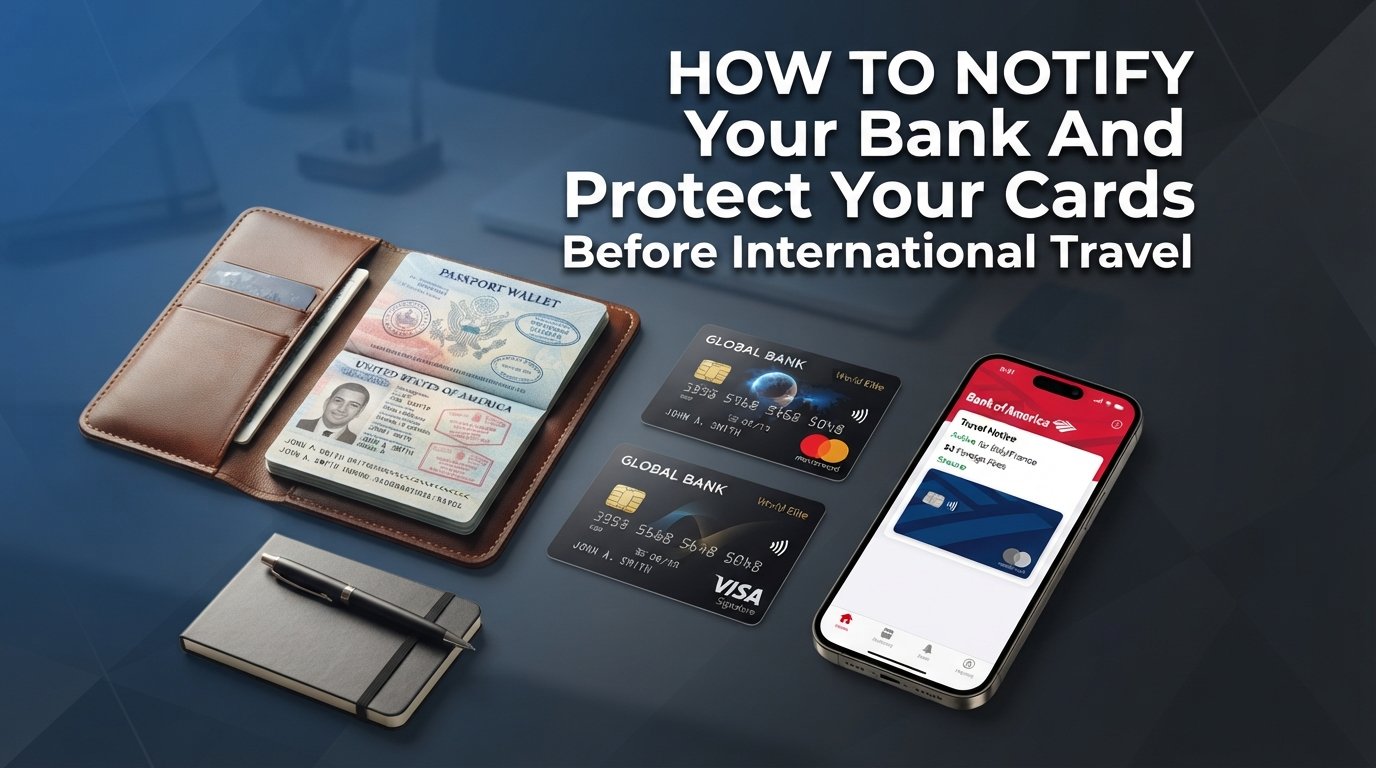
I learned the hard way that forgetting to notify your bank before international travel can ruin a trip. On my first overseas trip to Lisbon, my debit card got blocked at a tiny bakery for a six-euro pastry. I had to spend 45 minutes on the phone with the bank’s overseas fraud line while my travel companions kept ordering.
If you have an international trip coming up, you can avoid that exact situation. Our team has spent years traveling across 30-plus countries, and we’ve compiled everything that actually works in 2026 for setting travel notices, protecting your cards, and recovering when something goes wrong. This guide walks you through exactly how to notify your bank before international travel, which issuers still require it, and what to do if your card is still declined abroad.
Table of Contents
What a Travel Notice Actually Does
A travel notice is a flag you place on your bank or credit card account that tells fraud-detection systems where and when you will be traveling. It is essentially a heads-up to the algorithm: “Yes, those charges in Tokyo next week are really mine.”
Many travelers confuse a travel notice with a fraud alert. A fraud alert is a warning that something on your account looks suspicious. A travel notice is the opposite: it’s you proactively telling the bank that upcoming foreign transactions are legitimate.
Fraud detection systems look at spending patterns, locations, and merchant categories. When a charge suddenly comes from a country you have never visited, the system often freezes the card to protect you. A travel notice adds your destination and travel dates to its whitelist so legitimate charges go through.
Do You Still Need to Notify Your Bank in 2026?
In most cases, no, you do not strictly need to set a travel notice anymore. Major US card issuers like Chase, Capital One, and Bank of America run fraud-detection systems that can identify and approve travel purchases automatically, often within minutes.
However, several issuers still encourage you to set a notice as a backup. Citi, Discover, US Bank, and many regional banks and credit unions still expose a travel notice option in their apps and websites. Smaller issuers and credit unions in particular still rely heavily on formal notification.
Even when your bank does not require it, I still set a travel notice before every international trip. It costs me two minutes in the app and gives me a paper trail if my card gets blocked anyway. Two minutes is cheap insurance against the alternative.
How to Set a Travel Notice: Step-by-Step
Setting a travel notice takes less than five minutes through most mobile apps. Follow these steps before you leave home, ideally a week or more before departure.
Open your bank’s mobile app and log in to your account.
Navigate to the customer service, account services, or card management section.
Look for “Travel Notice,” “Travel Alert,” or “Travel Notification.”
Enter your destination countries, travel dates, and contact information.
Confirm and save. You will usually receive an email or in-app confirmation within seconds.
If your bank does not have a travel notice option in its app, log in to online banking and look for the same feature. As a last resort, call the number on the back of your card. Be prepared for hold times of 10 to 30 minutes during peak hours, which is why the app is faster.
Reddit users on r/CreditCards report that the app method has become the default. One user noted that setting a travel notice through the Chase app took 90 seconds and worked seamlessly across four countries on a recent trip.
Which Banks and Card Issuers Still Require Travel Notices
The answer varies by issuer. Some banks treat the notice as optional, others treat it as mandatory for international card use.
Chase, Capital One, and Bank of America have dropped mandatory travel notices. Their fraud-detection systems handle international travel automatically. You can still add contact info updates, but they are not blocking cards without a notice.
Citi, Discover, US Bank, and Barclays still expose travel-notice options in their apps. Setting one is optional but recommended, especially if you are visiting multiple countries or using a card that has been inactive.
Regional banks, credit unions, and smaller issuers typically require formal notice. If you hold a card from a community bank or a credit union, plan to call ahead at least a week before your trip. Skipping this step is the most common cause of blocked cards abroad.
If you carry multiple cards, set a notice on each one, even if some issuers say it is unnecessary. Card-issuer policies can change without warning, and a notice costs nothing.
What to Tell Your Bank Before You Travel
When you contact your bank or set the notice through the app, share the following details. This information gives fraud-detection systems enough context to recognize your charges.
Travel start and end dates, including any side trips.
All countries or regions you plan to visit.
Each card you want covered.
Your updated phone number and email, so the bank can reach you if needed.
Your destination hotel or first accommodation, if available.
Updating your contact details is the most overlooked step. Bank representatives on r/personalfinance consistently mention that outdated phone numbers are the single biggest reason travelers cannot verify a charge and recover access to a frozen card.
If you are traveling for more than 60 days, mention that explicitly. Some banks limit how far ahead travel notices extend, and long trips may need a renewal notice after you arrive.
Card Protection Tips While Traveling Abroad
Use credit cards over debit cards whenever possible. Credit cards offer stronger fraud protection, easier dispute resolution, and they do not directly expose your bank account balance to risk.
Enable transaction alerts through your bank’s app. SMS or push notifications for every purchase let you catch fraud the moment it happens. One traveler I know spotted a $900 charge in a country he had already left because his alerts were on.
Set a low daily ATM withdrawal limit before you leave. Most banks allow you to customize this in the app. Keeping the limit low limits your exposure if your debit card is skimmed at an ATM.
Carry cards in separate locations. Keep one card in your wallet and another in your hotel safe. If your wallet is lost or stolen, you still have access to funds. Experienced travelers on r/travel recommend at least two cards from different issuers for any international trip.
ATM Safety and Skimming Prevention Overseas
Skimming devices are still common at ATMs in tourist-heavy areas of Europe, Latin America, and Southeast Asia. These devices read your card’s magnetic stripe and capture your PIN, often without leaving obvious signs.
Use bank-affiliated ATMs only. Look for ATMs inside bank branches, attached to bank lobbies, or in airport terminals operated by your home bank’s partner network. Standalone ATMs in convenience stores, gas stations, and tourist attractions are higher risk.
Inspect the card slot before inserting your card. A skimmer often sits over the real card reader and may wiggle when you touch it. Real ATMs have flush, well-aligned card slots. If anything looks loose, misaligned, or bulkier than the rest of the machine, walk away.
Cover the keypad when entering your PIN. Shoulder-surfing and pinhole cameras are real threats, especially at busy ATMs. Use your free hand or wallet to shield the keypad entry.
Stick to chip-and-PIN or contactless transactions when possible. Most of Europe and much of Asia prefers chip-and-PIN over magnetic stripe. If your card has a visible chip, you should be fine.
Digital Wallets as a Backup Abroad
Apple Pay, Google Pay, and Samsung Pay work in many countries, but acceptance is uneven. Major cities in Western Europe, the UK, Australia, Japan, and Singapore generally accept contactless mobile payments. Smaller merchants and rural areas may still require a physical card.
Digital wallets use tokenization, which means your actual card number is never shared with the merchant. If your physical card is skimmed or compromised, your digital wallet token stays secure. This is a useful backup layer if you suspect card fraud.
Before your trip, add your primary card to your phone’s wallet app. Set it as your default travel card. If your physical card stops working, you can often still pay with your phone at any contactless terminal.
One limitation: digital wallets do not work at ATMs. You will still need a physical card for cash withdrawals, which is why a backup card is essential.
What to Do if Your Card Is Declined Abroad
If your card is declined at a merchant or ATM abroad, do not panic. Most declines are temporary fraud blocks that can be resolved with a quick phone call.
Step 1: Call the number on the back of your card immediately. Banks have international toll-free numbers listed on their websites and in their apps. Have your passport ready for identity verification.
Step 2: Confirm the legitimate charge to the fraud team and ask them to lift the block. Most banks can restore your card within minutes if you are calling from a number registered on your account.
Step 3: Use a backup card while the original is being restored. This is why I always carry at least two cards from different issuers. If one is blocked, the other should still work.
Step 4: If neither card works, head to a branch of your card issuer if one exists locally. Citi, Chase, and Capital One have international partner branches that can sometimes issue emergency cash or temporary cards.
Step 5: As a last resort, use a wire transfer service like Western Union or MoneyGram to send yourself funds from a trusted family member or friend. Fees are higher, but it solves the immediate problem when no card is working.
Save your bank’s international customer service number before you leave home. Store it in your phone, write it on a piece of paper in your wallet, and email it to yourself. If your phone is lost, you still have a way to reach the bank.
FAQs
Do I need to put a travel alert on my debit card?
You should put a travel alert on your debit card before any international trip. Even though many banks no longer require formal notices, a travel alert helps fraud-detection systems recognize your purchases and reduces the chance of your card being blocked abroad.
How do I alert my credit card for international travel?
Open your credit card issuer’s mobile app, navigate to the card management or travel section, and select u0022Set Travel Noticeu0022 or u0022Travel Alert.u0022 Enter your destination countries, travel dates, and updated contact information. If your issuer does not have this option in the app, log in to online banking or call the number on the back of your card.
How far in advance should I tell my bank I am traveling?
Tell your bank at least one week before departure, though a few days is usually enough. Setting the notice earlier gives you time to fix any issues with your account, update outdated contact information, and confirm that all cards are properly registered for international use.
Which banks require travel notices in 2026?
Chase, Capital One, and Bank of America do not require travel notices thanks to advanced fraud detection. Citi, Discover, US Bank, Barclays, and most credit unions still expose travel-notice options and recommend using them. Regional and community banks typically require formal notice.
What happens if my card is blocked while I am abroad?
Call the international customer service number on the back of your card immediately. Verify your identity with your passport, confirm the legitimate charge, and ask the bank to lift the block. Use a backup card while waiting, and head to a local branch of your issuer if available. As a last resort, use a wire transfer service like Western Union to receive emergency funds.
Conclusion
Notifying your bank before international travel is one of those small tasks that prevents a large problem. Two minutes in your bank’s app, a few travel dates, and updated contact information is all it takes to keep your cards working abroad.
My checklist before every international trip is simple: set a travel notice on every card I am bringing, update my phone number and email with each issuer, carry at least one backup card from a different bank, and save the international customer service numbers somewhere I can reach without my phone. With that done, I can focus on the trip instead of worrying about whether my card will work at the next restaurant.
If you take one thing from this guide on how to notify your bank before international travel, let it be the backup card. Even if every other step goes perfectly, having a second card from a different issuer is the single best safety net you can carry.